Scan Using Your Computer
26
5
e Change the scanning settings, if needed.
For more information on changing settings, see Changing DSmobileCapture scan settings (for
Windows
®
) on page 28.
f Insert a document into your scanner.
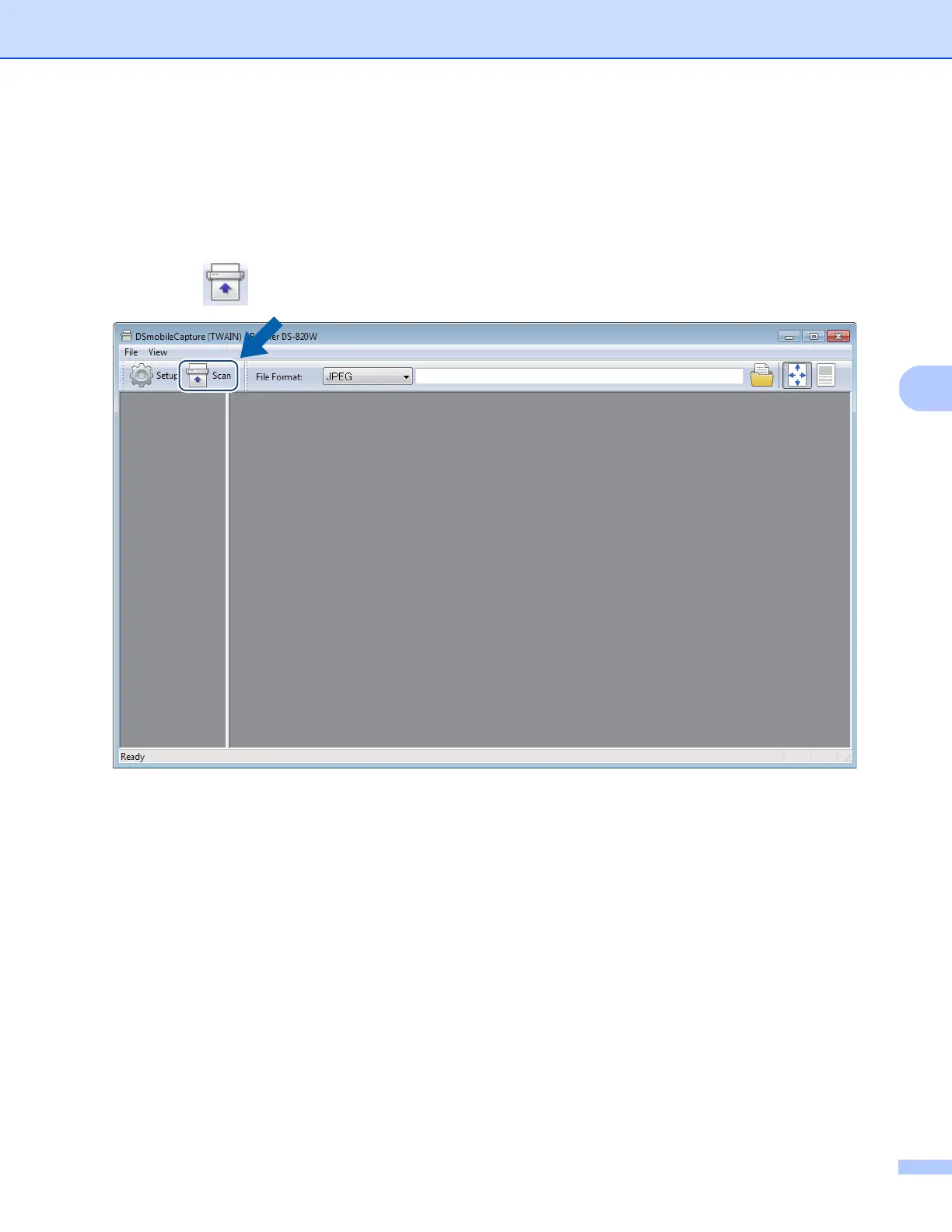
g Click Scan . Your scanner starts scanning.
A thumbnail of the scanned image appears in the DSmobileCapture screen and the scanned image will
be saved in the directory you specified in step 5.
Check the scan result just in case.











 To Next Page