Scan Using Your Computer
27
5
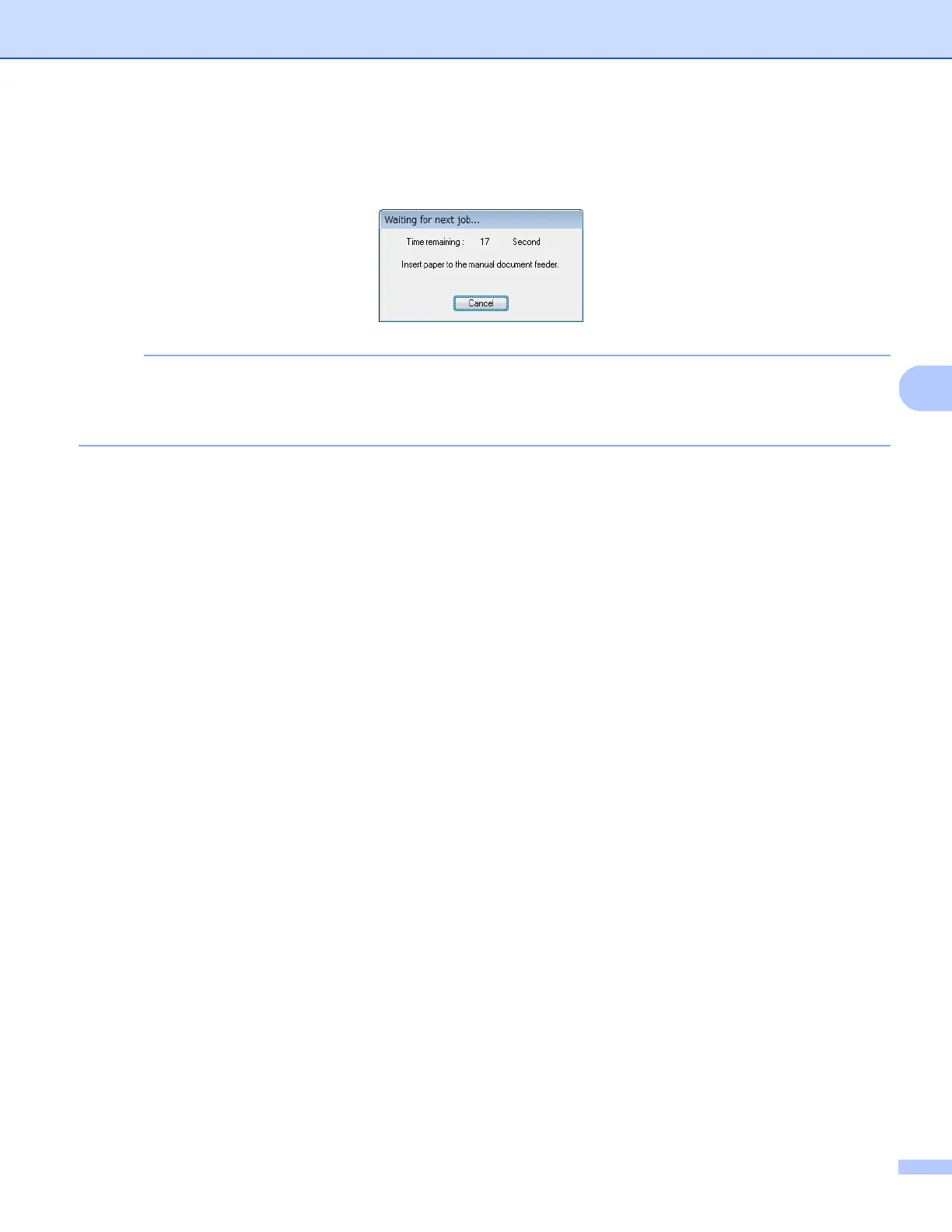
h For continuous scanning, insert the next document into the scanner while Waiting for next job... screen
appears. When the document is inserted, scanning will start automatically.
To stop the continuous scanning, click Cancel on Waiting for next job... screen.
NOTE
• To change the time delay when waiting for the next job, see Paper settings on page 30.
• To save multiple documents as one file, choose Multi-page PDF or Multi-page TIFF from the File Format
drop-down list.











 To Next Page