Configure Wireless Access Mode for BOL Services
55
7
f Click Apply.
g To return to the scanner’s internal web page, click Setting.
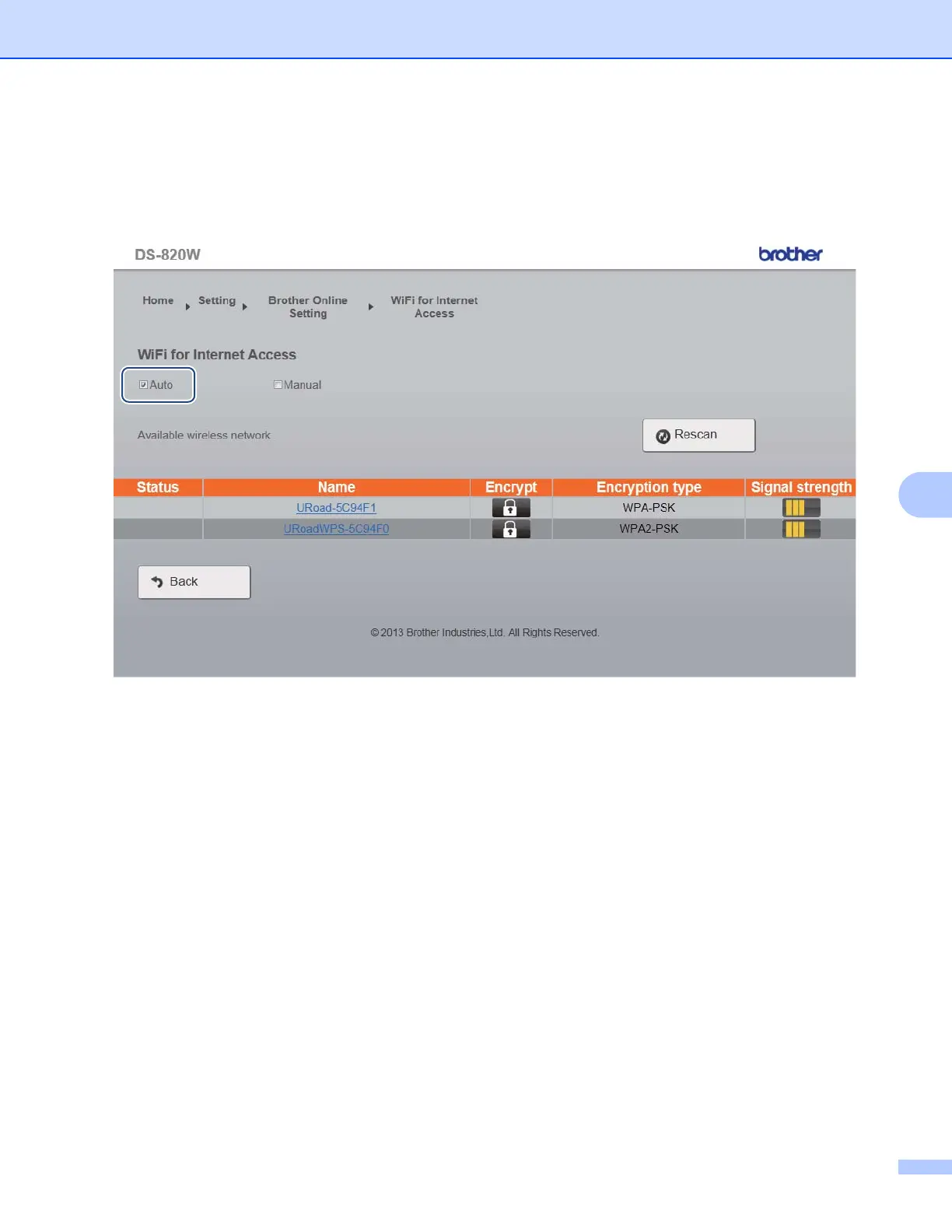
h Click Brother Online Setting > WiFi for Internet Access. The following screen appears.
i Make sure the Auto check box is selected.
j Select the name of the wireless network you want to use to allow the scanner to access the Internet.











 To Next Page