Configure Wireless Access Mode for BOL Services
56
7
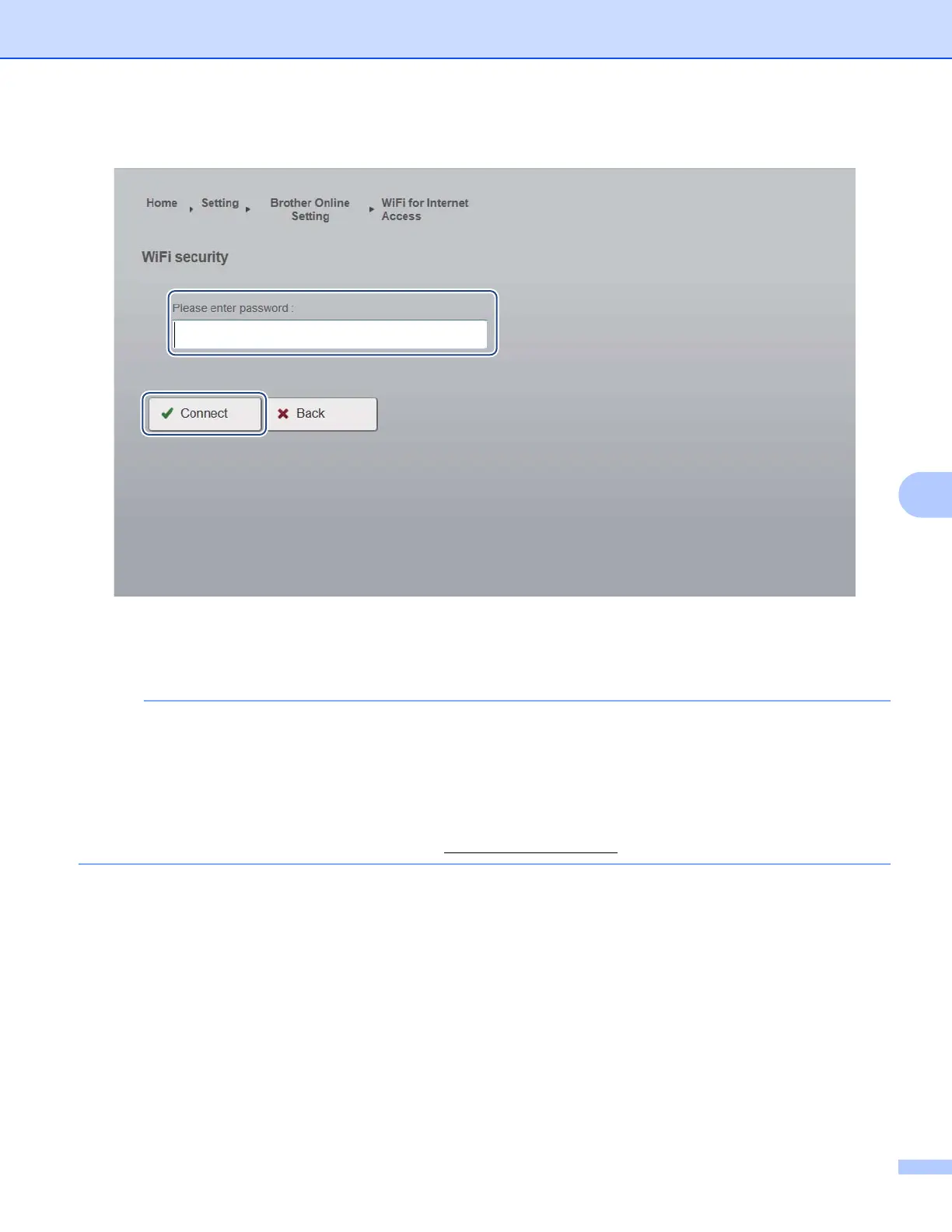
k If the network requires a password, type it in the Please enter password field.
l Click Connect.
The scanner will reboot (it may take up to 80 seconds). When it restarts, your new access mode for BOL
services is applied.
NOTE
• While the scanner reboots, the Wi-Fi
®
indicator will change color several times. When the scanner is
ready, the indicator will turn orange.
• When the scanner finishes rebooting, your computer or mobile device will be disconnected from the
scanner's access point and reconnected to your default access point. If you reconnect to the scanner,
your computer or mobile device once again has Internet access via the scanner.
• For more information on using BR-Docs, see www.brothercloud.com
.











 To Next Page