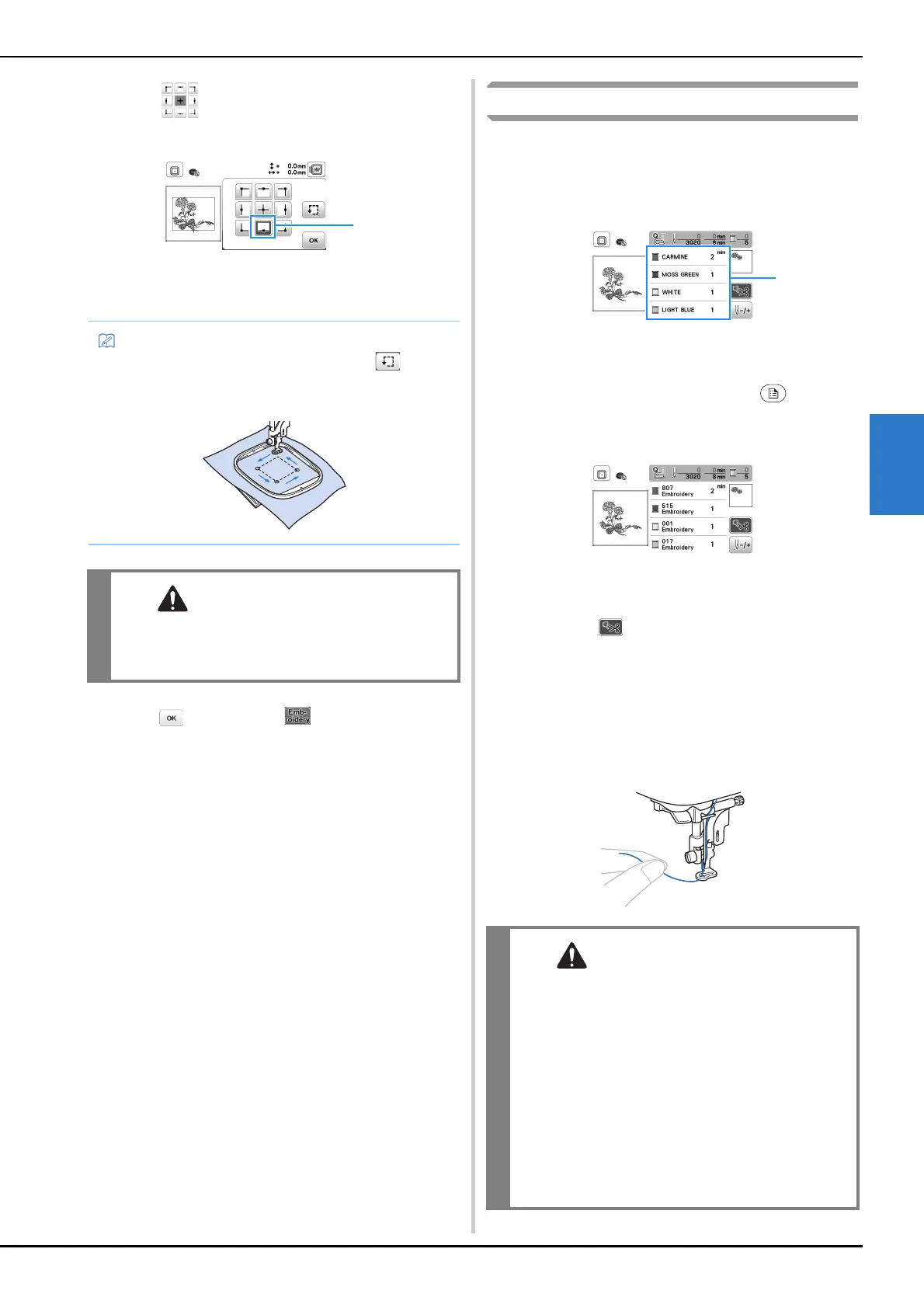
Embroidering
65
EMBROIDERY
4
b
From , press the key for the position that you
want to check.
1 Selected position
→ The carriage will move to the selected position on
the pattern.
c
Press , and then press .
Embroidering a pattern
Embroidery patterns are embroidered with a change of thread
after each color.
a
Prepare embroidery thread of the color shown on the
screen.
1 Embroidery color order
• Either the thread color name or the thread number
appears in this screen, depending on the setting
selected in the settings screen. Press , and then
change the setting in the settings screen. For details,
refer to “Changing the thread color display” on
page 66.
• The automatic thread cutting function will cut the
thread at the end of embroidering each color. This
function is initially turned on. To turn this function
off, press .
b
Set the embroidery thread, and thread the needle.
• Refer to “Threading the upper thread” on page 17.
c
Raise the presser foot lever and pass the thread through
the embroidery foot hole, and hold it lightly in your left
hand.
Give the thread a little slack.
• To see the entire embroidering area, press . The
embroidery frame moves and shows the embroidery
area.
• Make sure the needle is up when the
embroidery frame is moving. If the needle is
down, it could break and result in injury.
• Do not let hands or objects hit the carriage
while embroidering. The pattern may misalign.
• When embroidering on large garments
(especially jackets or other heavy fabrics), do
not let the fabric hang over the table.
Otherwise, the embroidery unit cannot move
freely and the embroidery frame may strike the
needle, causing the needle to bend or break
and possibly cause injury.
Place the fabric so that it does not hang off the
table or hold the fabric to keep it from
dragging.


 To Next Page