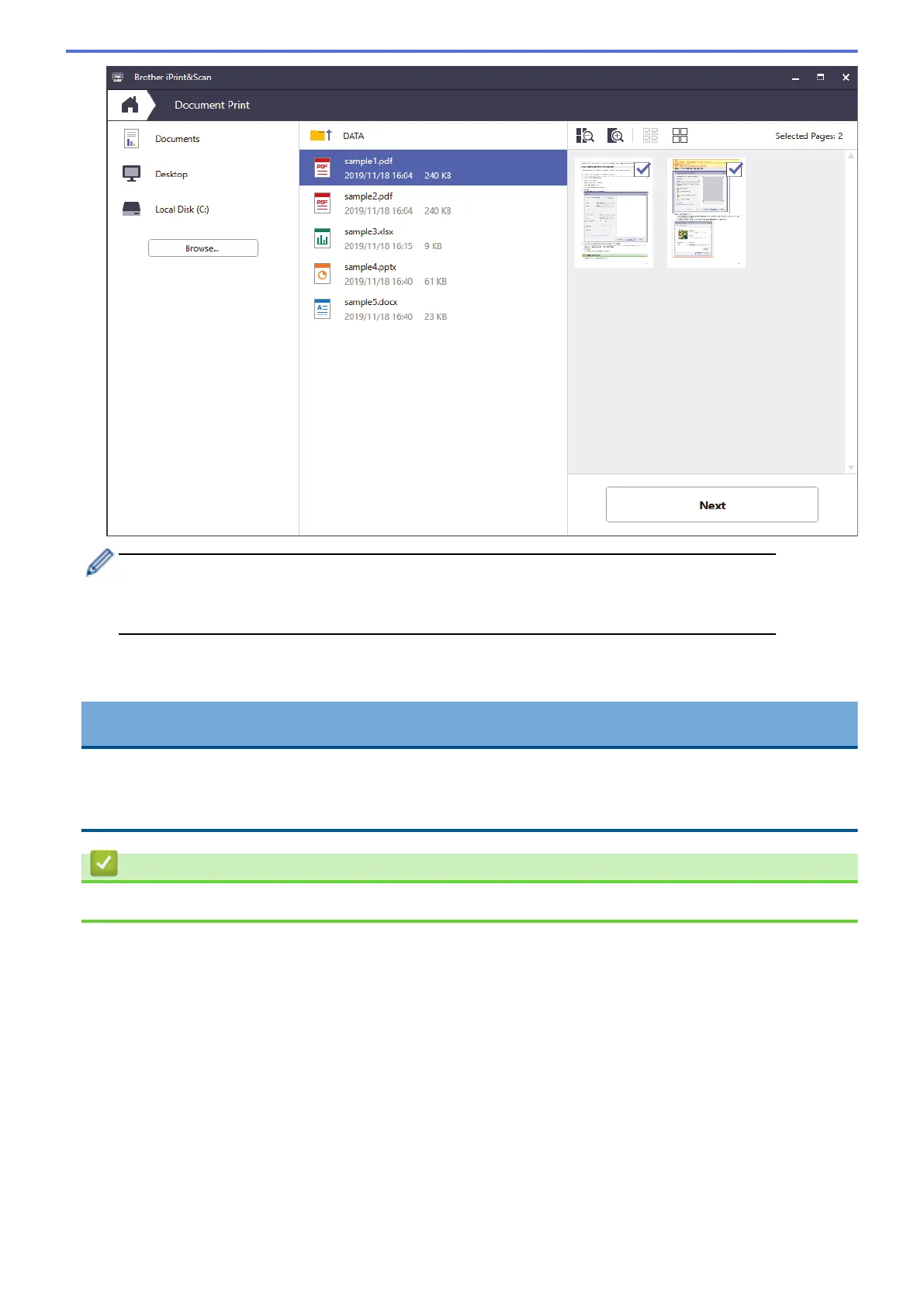
• The actual screen may differ depending on the version of the application.
• Use the latest application. See Related Information.
• When printing documents with many pages, you can also select the pages you want to print.
7. Change other printer settings, if needed.
8. Click Print.
IMPORTANT
For photo printing:
To get the best print quality for the settings you have selected, always set the Media Type option to match
the type of paper you load.
Related Information
• Print Using Brother iPrint&Scan (Windows/Mac)
85

 To Next Page
 Loading...