Advanced Programming Options
46
Changing the number of programming periods
Your thermostat is preset with four time periods (P1, P2, P3, P4). You
can change this to two. Here’s how to change the number of periods
in the day.
1. Open the door.
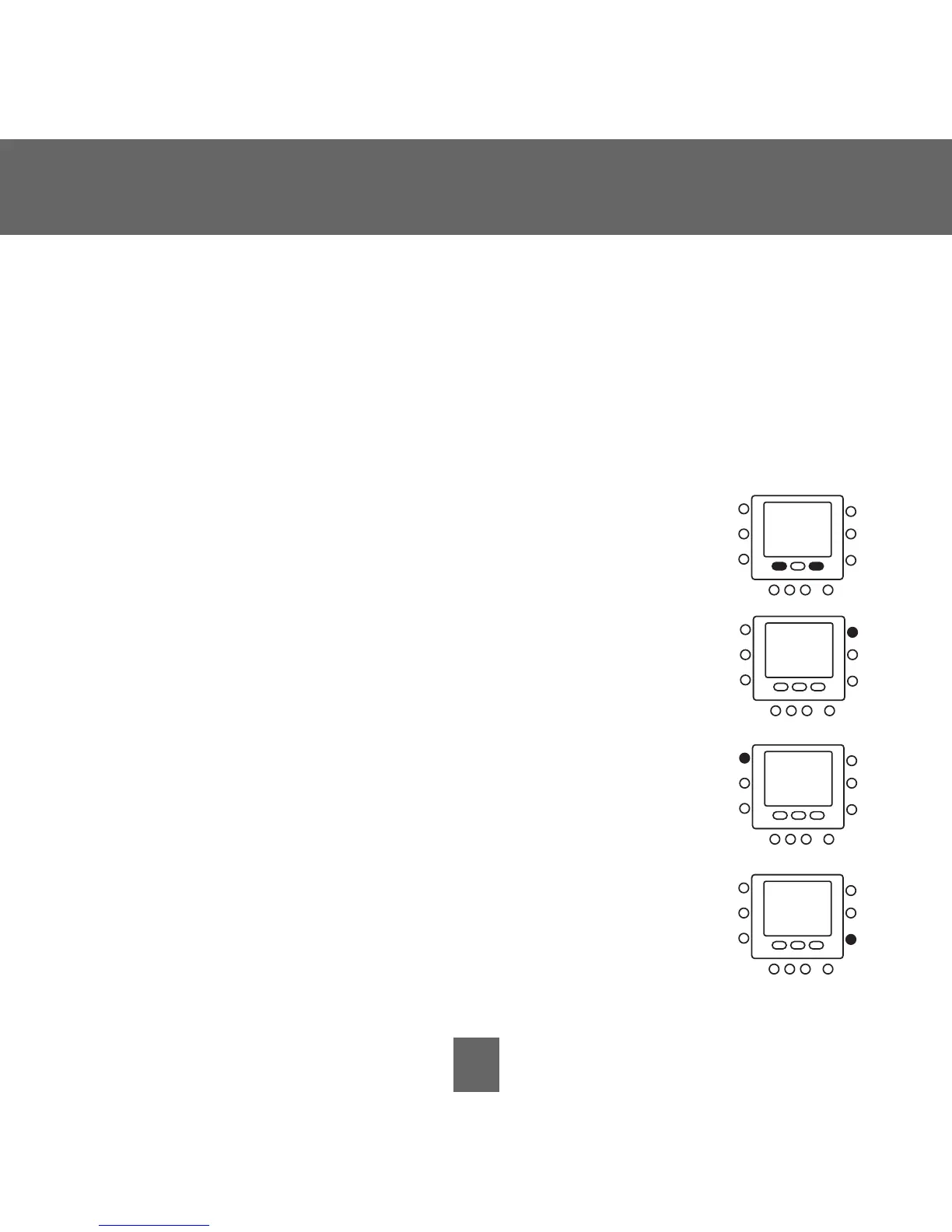
2. Press and hold the
home and sleep buttons under the
display simultaneously for about three seconds.
3. Press the
up button at the top right of the display
repeatedly. You will see
U5 and 4. (If you don’t,
continue to press the
up button, cycling through
the options until you get to
U5 and 4.)
4. Press the
mode button on the left to change it from
4 to 2.
5. Press the
done button on the right.
6. Close the door.







 To Next Page