Extended functions
7
Logamatic 4121, 4122 and 4126 - Subject to technical modifications.
31
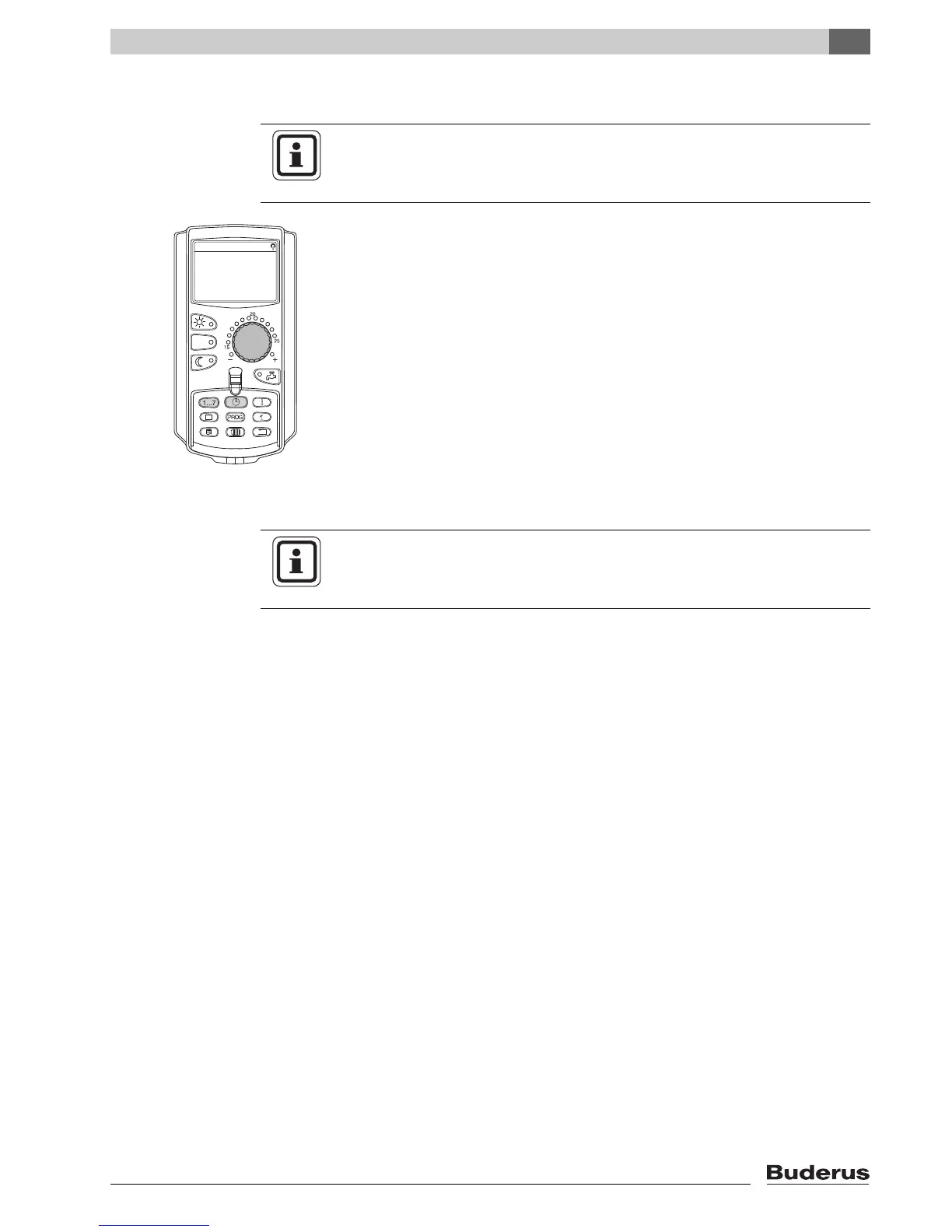
7.5 Setting the date and time
The MEC2 contains a radio receiver that, under normal reception conditions,
constantly monitors and corrects the control unit time switch (if enabled).
Reception of the radio clock signal is indicated by symbol on the display.
USER INFORMATION
Date and time are preset at the factory. This function is backed up by battery
power independent of the mains power supply.
USER INFORMATION
We recommend leaving the radio clock receiver disabled outside Germany
to
prevent the reception of false signals (incorrect time setting).



 To Next Page
 Loading...





