Additional programming options
8
Logamatic 4121, 4122 and 4126 - Subject to technical modifications.
63
8.2 Creating a new heating program
You may enter up to 42 switching points per week and heating circuit to create
a new heating program. A single switching point comprises three details:
Weekday, time and temperature.
The newly created program will be saved under "Own program" and the relevant
heating circuit number.
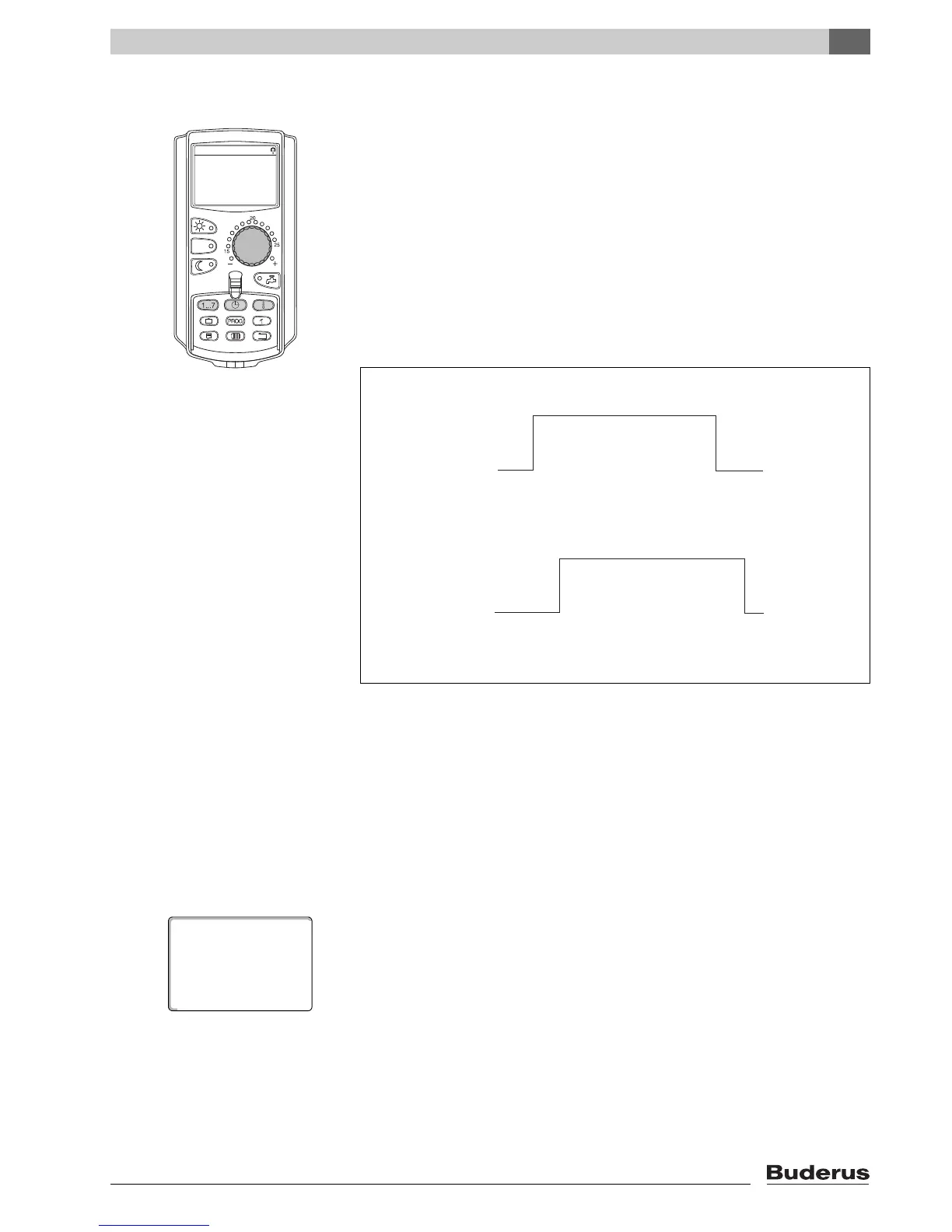
Example:
Monday – Friday,
from 05:00 h 21 °C, from 21:00 h 17 °C
Saturday – Sunday,
from 09:30 h 21 °C, from 23:30 h 17 °C
z Select a heating circuit (Æ Chapter 7.6).
Example: Heating circ. 2
z Select the standard program "Program select. new" for this heating circuit
(Æ
Chapter 7.10).
The display shows the blank screen "New switch.point".



 To Next Page
 Loading...





