Additional programming options
8
Logamatic 4121, 4122 and 4126 - Subject to technical modifications.
59
8.1.3 Deleting a heating phase
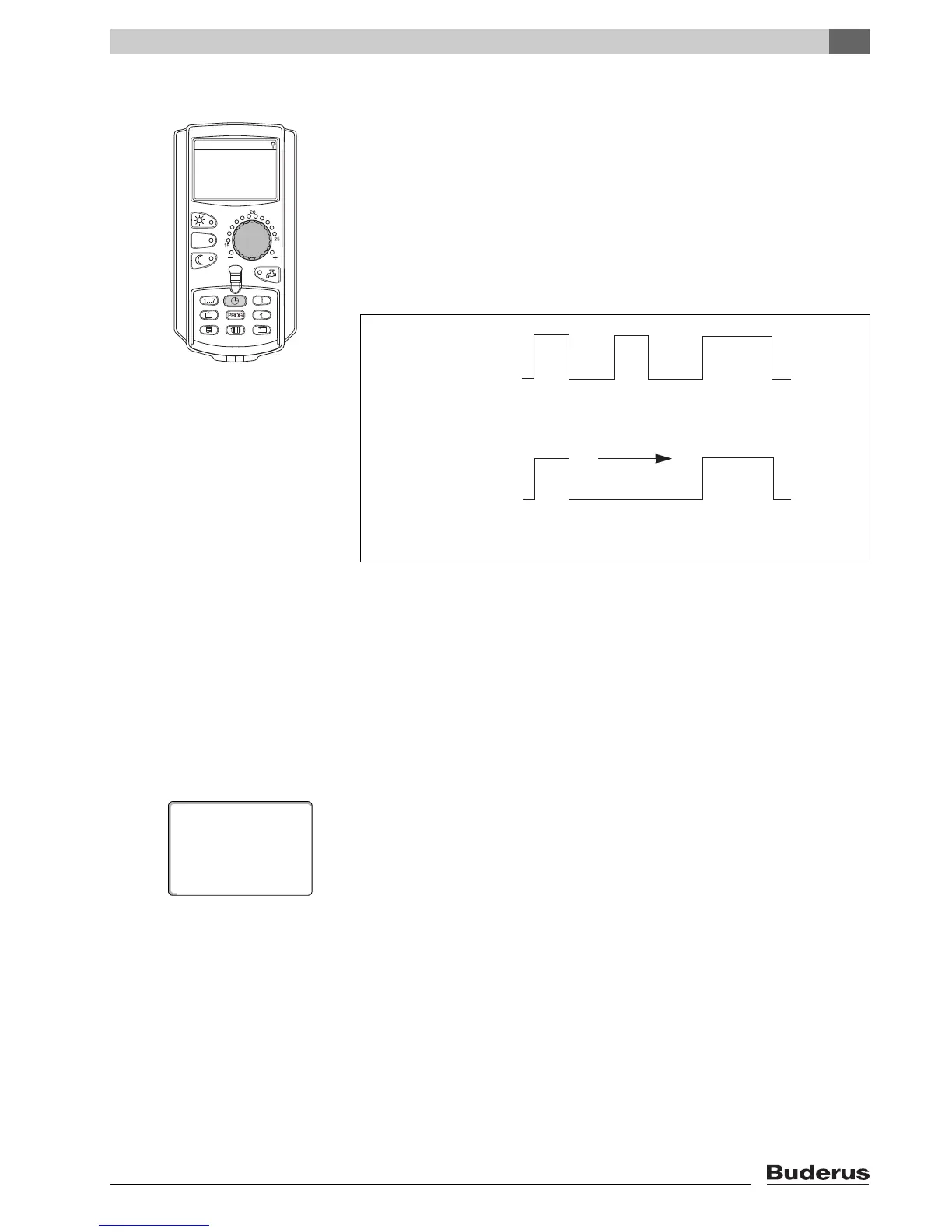
A heating phase consists of two switching points - a start and a stop point.
If
you wish to delete a heating phase, both switching points must be deleted.
Example:
In the "Midday program" for heating circuit 2, you want to delete the Monday
heating phase from 11:30 h to 13:00 h to create one single heating pause
from
08:00 h to 17:00 h.
Your modified program will be saved under the program name "Own" and
the
number of the heating circuit.
z Select a heating circuit (Æ Chapter 7.6).
Example: Heating circ. 2
z Select the standard program for the chosen heating circuit (Æ Chapter 7.10).
Example: "Midday program"
The first switching point (start point): "Monday at 06:00" at "21°C" will be
displayed. The displayed temperature depends on the set room temperature.



 To Next Page
 Loading...





