Chapter2 Using your LinkStation
LinkStation Setup Manual
3939
Note: –If power is turned o during a RAID rebuild, the RAID rebuild will continue when power
is restored. (Example: In LinkStation of 1TB when power supply is changed from OFF
to
ON after lapse of 3 hours from construction of RAID then reconstruction of RAID should
start in remaining 3 hours).
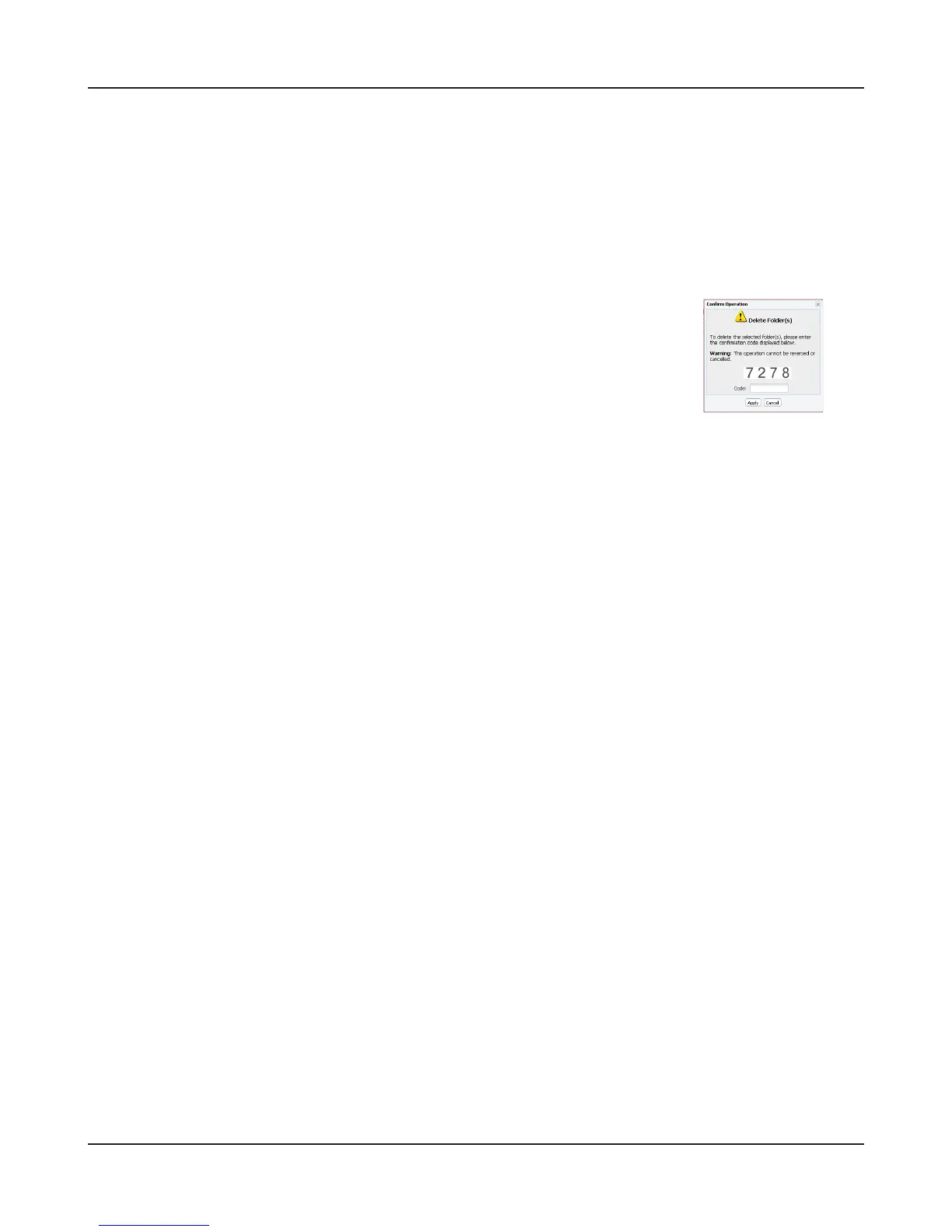
Conrmation screen
When you perform any of the following tasks, a conrmation screen is
displayed . To continue, enter the displayed number within 60 seconds
and click [Apply].
• Change RAID array (Create/Delete) • Format Array or Disk
• Delete Folder • Remove Disk
• Restore Factory Defaults • Rebuild RAID array
• Format LinkStation
Conrmation Screen















 To Next Page