Chapter 3 Useful Functions
LinkStation Setup Manual
4747
3
4
Click [Modify Settings].
Click the shared folder to be published.
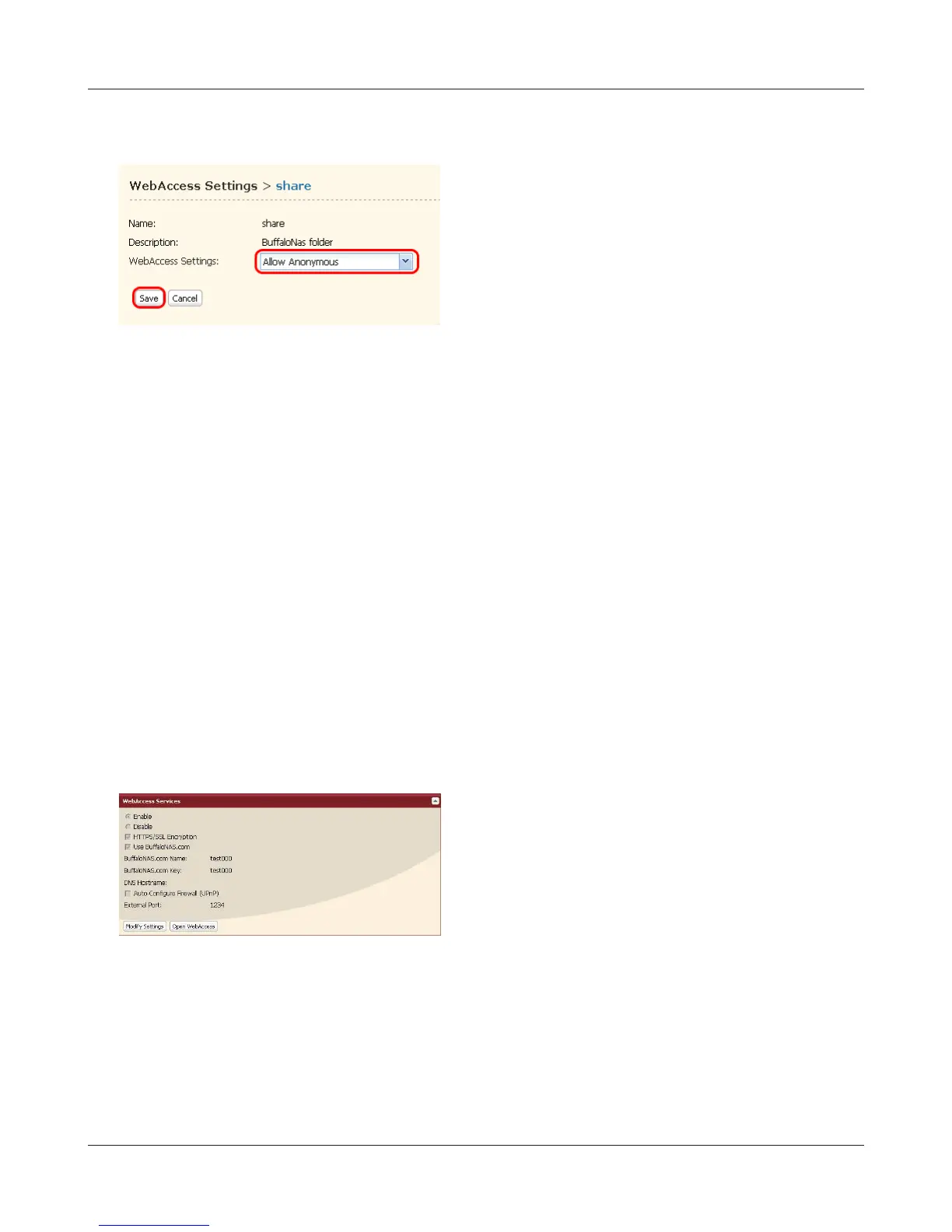
1 Select share you want to set access restriction
from [WebAccess Settings].
• Disable: Shared folders will not be pub-
lished.
• Allow Anonymous: Anyone can access
(view) shared folders.
• Allow All Group / Users: Only LinkStation
registered groups/users can access (view).
• Use Inherited Folder Permissions: Use
shared folders access restrictions set from
shares management screen. If access re-
strictions are not set in the shared folder
management screen, this option is not
displayed.
2 Click [Save].
Note: – Depending on settings, files in a shared
folder will be visible on the Internet with-
out access restrictions.















 To Next Page