Chapter 3 Useful Functions
LinkStation Setup Manual
4949
Procedure to access (view) published folder set by the WebAccess feature
1
Open the following URL in an Internet browser.
(BualoNAS.com) http://bualonas.com/
To access BualoNAS.com from iPhone/iPod touch:
1 Tap Safari from “Home” screen, and connect to the Internet.
2 Tap the address bar on top of the “Safari” screen.
3 Enter “http://bualonas.com/” in the address bar, and select “Go”.
• The screen shots for step 2 and later screen shots are examples from a PC. The screens
will look dierent from the actual iPhone/iPod screens.
• You cannot play video les or music les for which DRM is set by using this feature.
• You cannot play video les or music les that are saved in the WebAccess folders where
access restrictions are set.
• You cannot download les saved to iPhone/iPod touch by using this feature (the video
le and music le will be streaming, and the picture les are displayed in the browser).
• The compatibility of playing the video les and music les depends on the specica-
tions of Safari and QuickTime installed on the iPhone/iPod.
• To create a video le which is playable on the iPhone, use o-the-shelf software to con-
vert to playable formats for the iPhone or iPod touch.
• It does not support uploading les, changing le names, or deleting les.
• iPhone and iPod are trademarks of Apple Inc., registered in the U.S. and other countries.
2
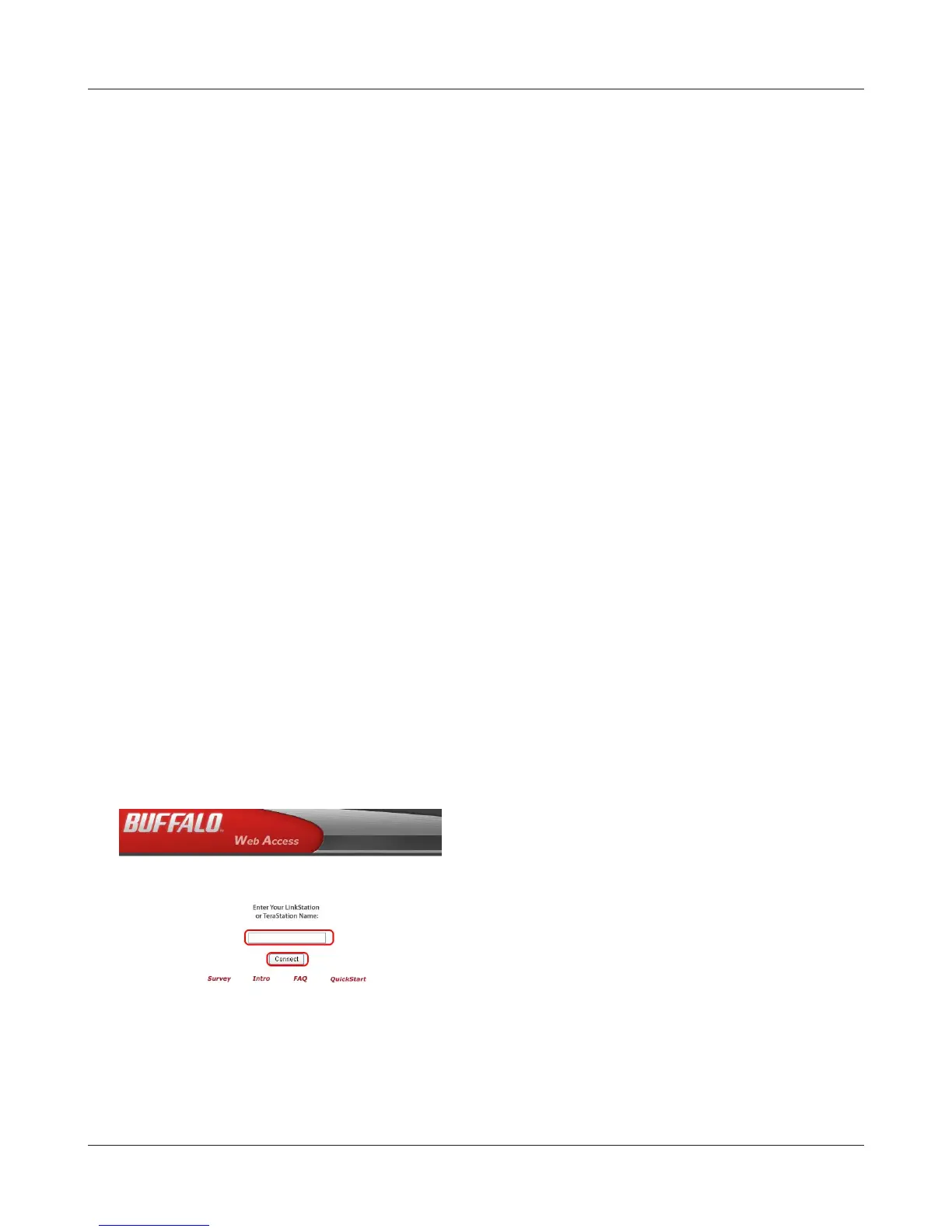
Enter BuffaloNAS.com name which is set in the
WebAccess Service conguration on the LinkSta-
tion, and click [Connect].















 To Next Page