Appendix
LinkStation Setup Manual
8686
7
8
Reattach all cables and power on the LinkStation.
9
Note: – If the LinkStation is in normal mode, format the new drive in [System] – [Storage].
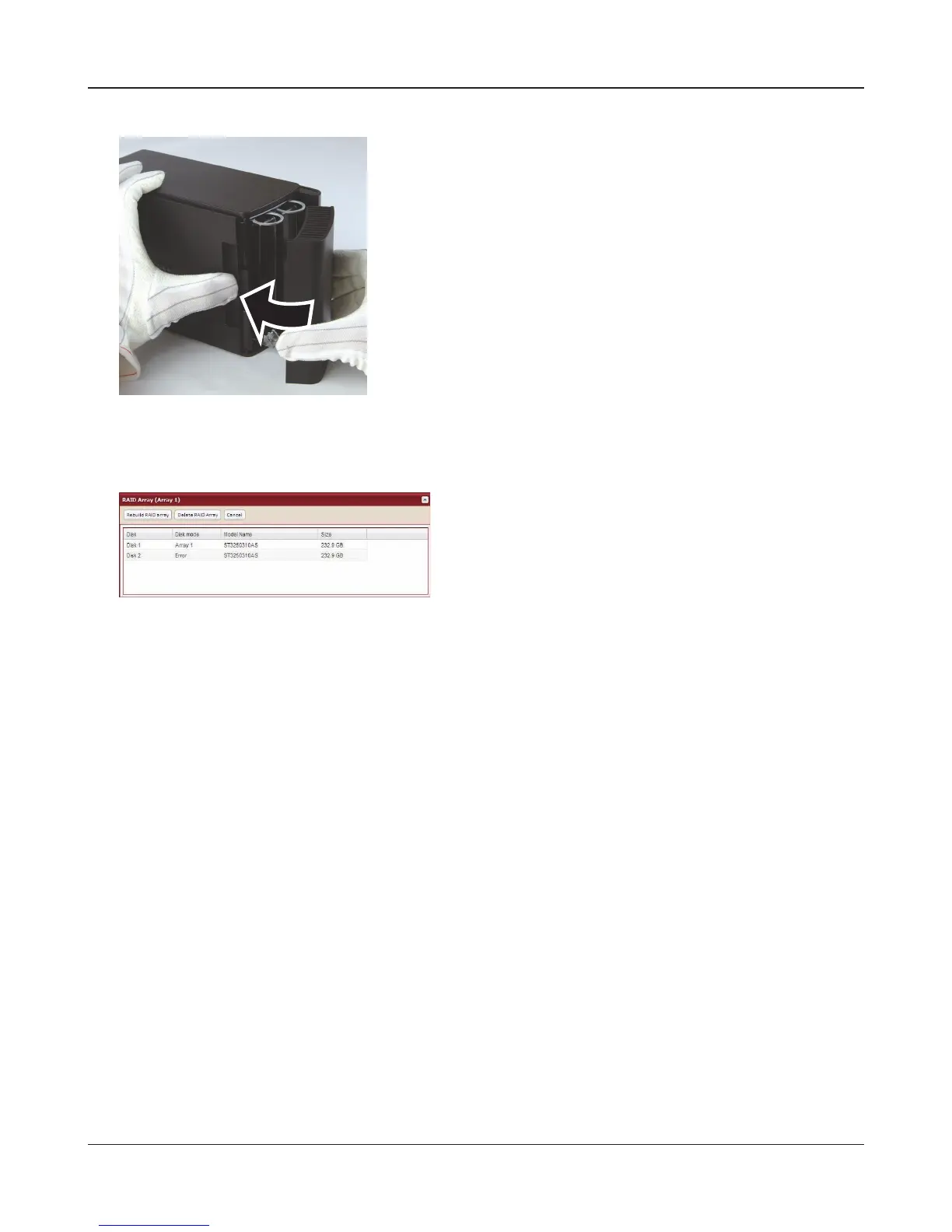
Reattach the front cover.
In the Web Admin Tool, navigate to [System] –
[Storage] – [RAID array 1] and rebuild the RAID
array.















 To Next Page