110
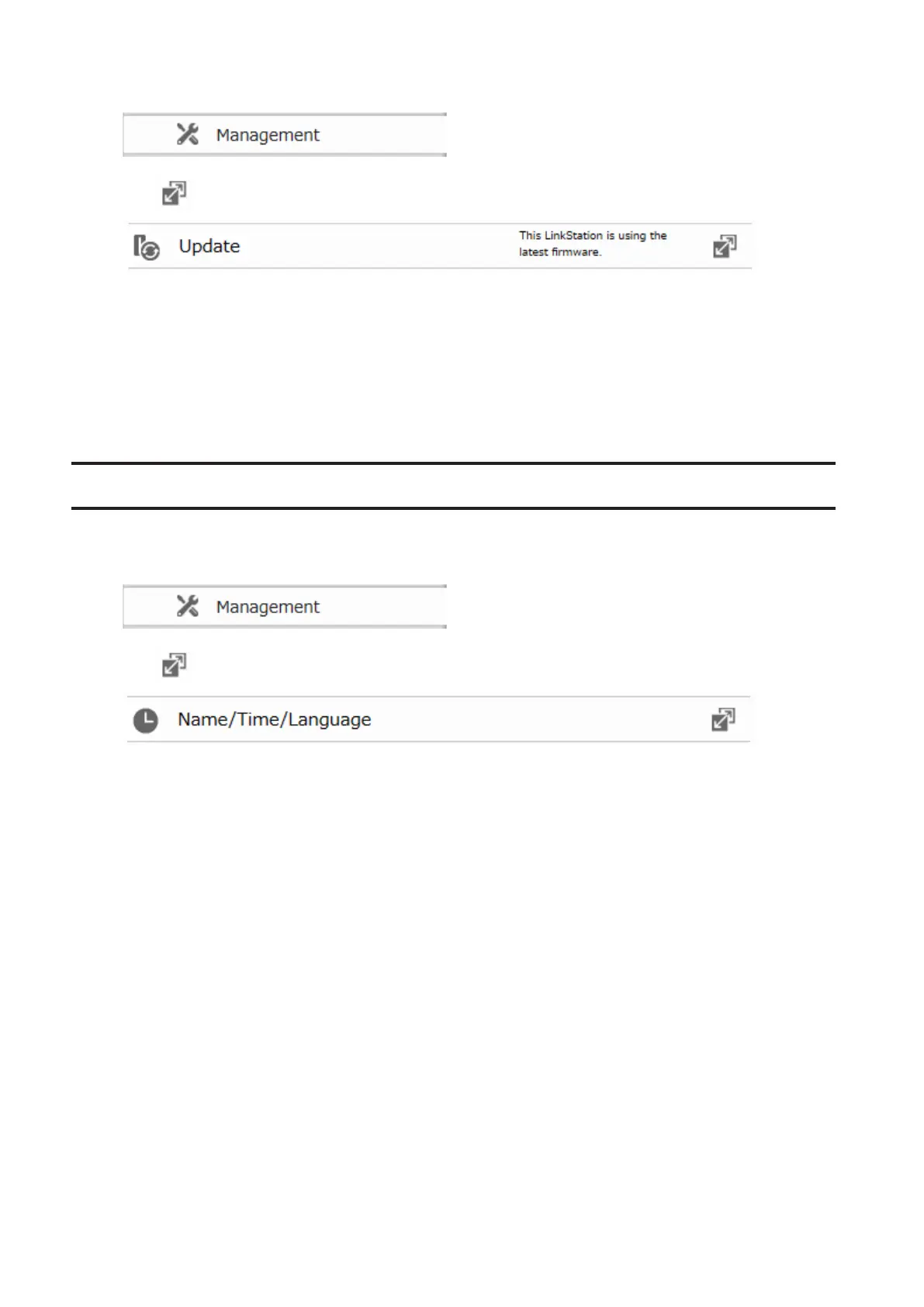
1 In Advanced Settings, click Management.
2 Click to the right of "Update".
3 Click Install Update.
Notes:
• Settings is not available while the firmware is updating. Don't try to access Settings from another computer
until the update is complete.
• You can disable update notifications in Management - Update.
• To clear an update notification, press the function button.
Name, Date, Time, and Language
Configure the LinkStation's hostname, date, time, and language as follows.
1 In Advanced Settings, click Management.
2 Click to the right of "Name/Time/Language".
3 Click Edit.













 To Next Page