88
• Card readers (except for card readers that can recognize two or more memory cards)
• Digital cameras and other PTP devices
Configuring Direct Copy from a Computer
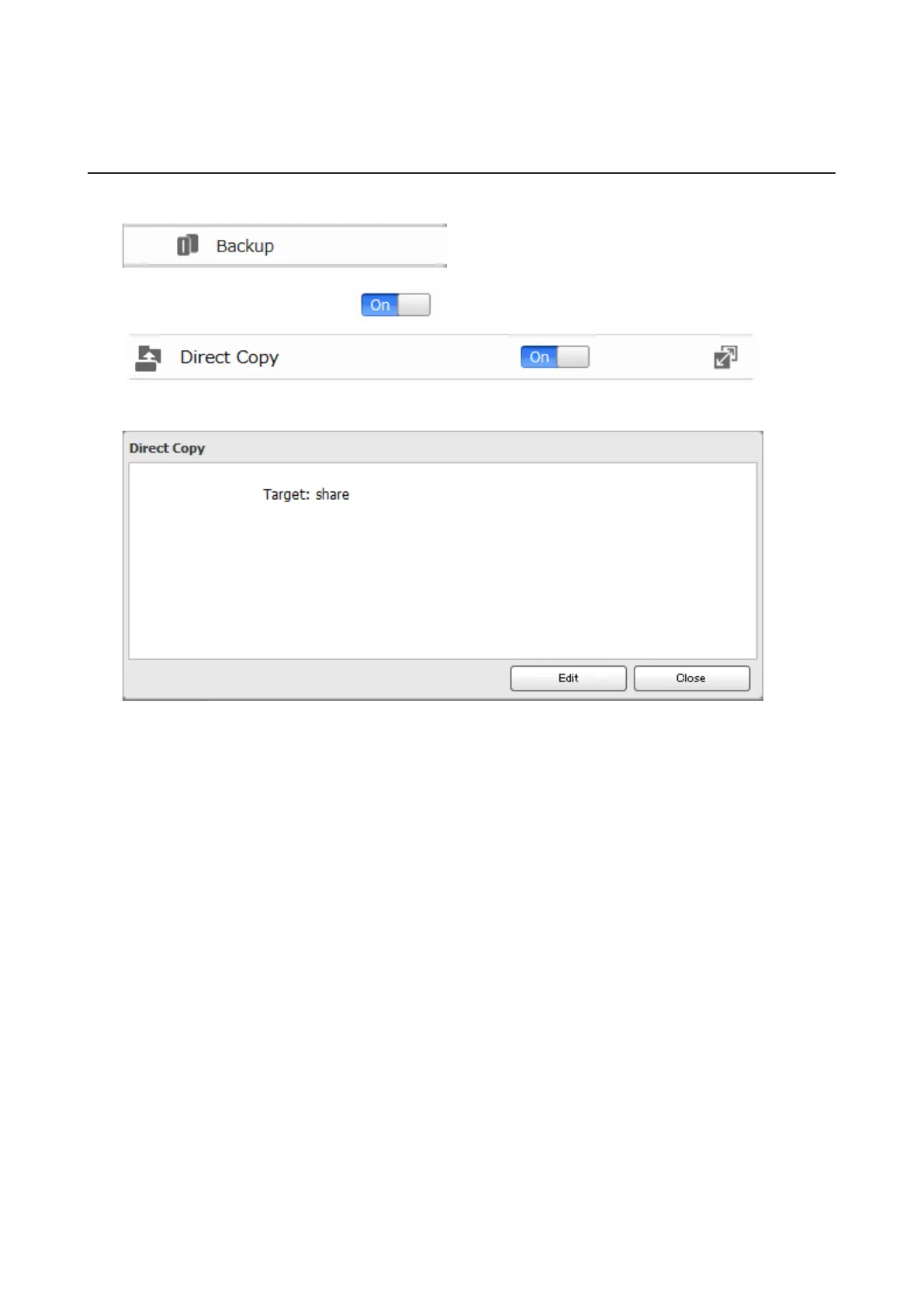
1 In Advanced Settings, click Backup.
2 Move the Direct Copy switch to the position to enable Direct Copy.
To change the Direct Copy target folder, navigate to Backup - Direct Copy - Edit, select a new folder, and click
OK.













 To Next Page