87
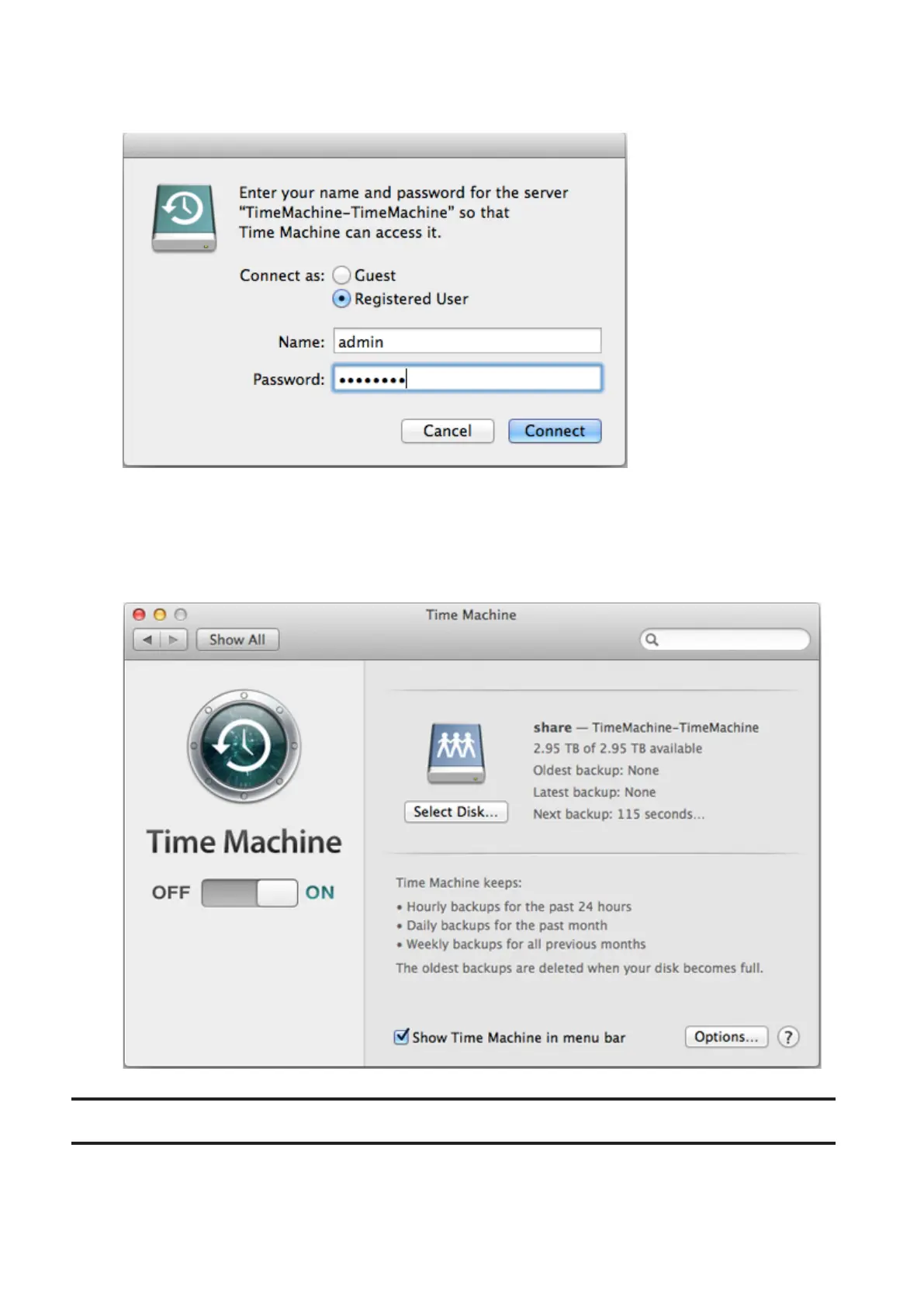
20 Enter a username and password with the rights to access the shared folder on the LinkStation, then click
Connect.
Note: If access restrictions are not configured on the target share, log in with the administrator account. The
default username and password for the administrator account are "admin" and "password". If access restrictions
are configured, log in with an account with write privileges.
21 Time Machine will count down from 120 seconds and the backup will begin.
Copying from a USB Device
Use Direct Copy to copy from a USB device directly to the LinkStation.
These devices are supported:
• USB mass storage devices













 To Next Page