123
Changing the IP Address
1 Click the icon in the Dock to start NAS Navigator2.
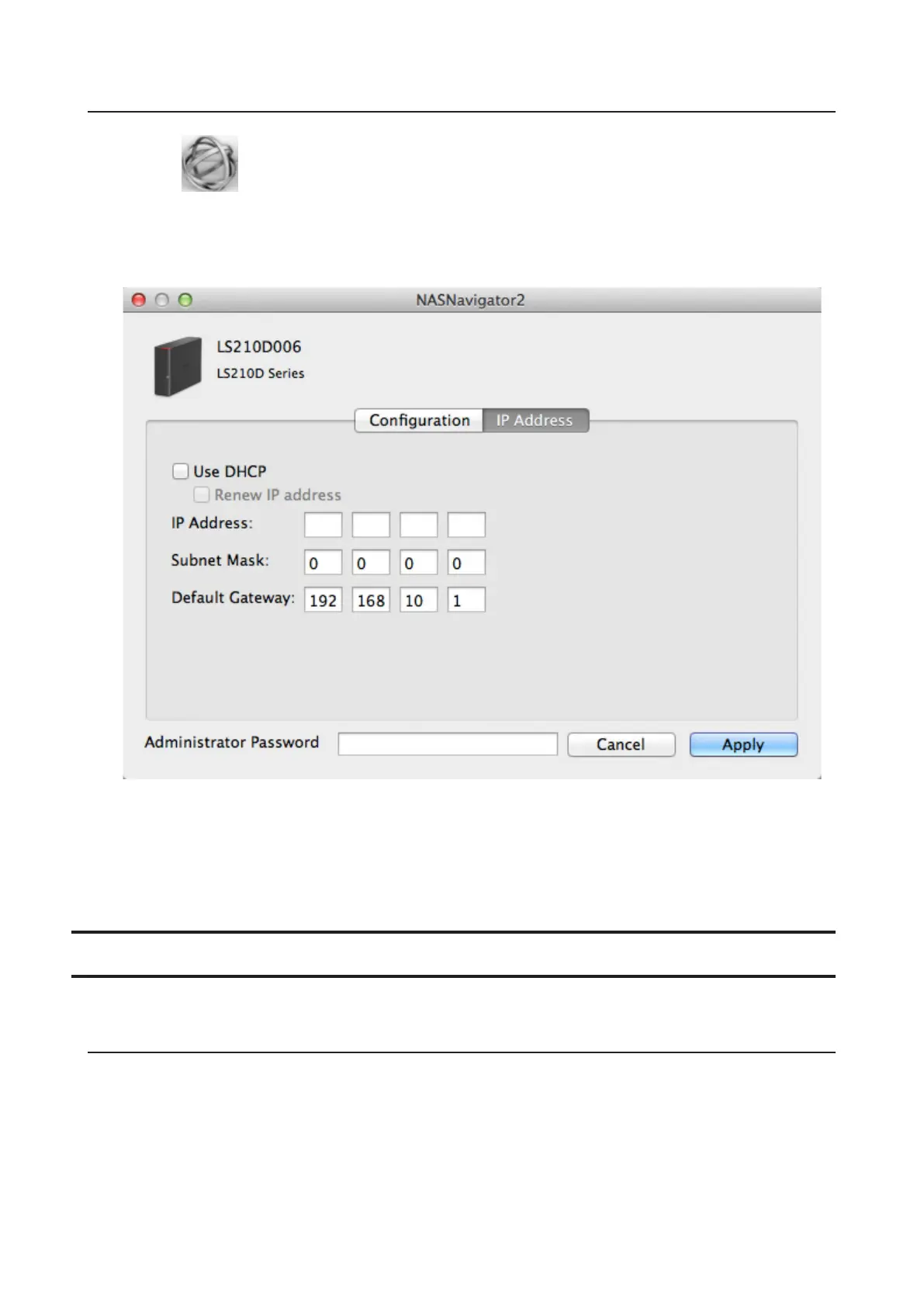
2 Hold down the control key, select your LinkStation, and choose Configure - IP Address.
3 Uncheck "Use DHCP", enter the desired settings and the administrator password, then click Apply.
Note: The following IP addresses are reserved and should not be used. If you configure one of them by accident,
initialize settings with the function button on the LinkStation.
Local loopback address: 127.0.0.1, 255.255.255.0
Network address: 0.0.0.0, 255.255.255.0
Broadcast address: 255.255.255.255, 255.255.255.0
The IP address range from 224.0.0.0 to 255.255.255.255
NovaBACKUP
NovaBACKUP is a Windows utility that lets you back up the data on your computer or LinkStations.
Installing from CD
The installation methods are different depending on which version of LinkNavigator CD you have. If you
LinkNavigator CD is version 1.10 or earlier, install NovaBACKUP from the installed LinkNavigator CD.
1 Insert the LinkNavigator CD to your computer.
2 Launch LSNavi.exe from the LinkNavigator CD.













 To Next Page