31
Notes:
• Access restrictions can be set separately for each shared folder, but not for subfolders within the shared
folders.
• Configure access restrictions through Settings. Configuring access restrictions through Windows is not
supported and may cause unexpected behavior.
Local Users/Groups
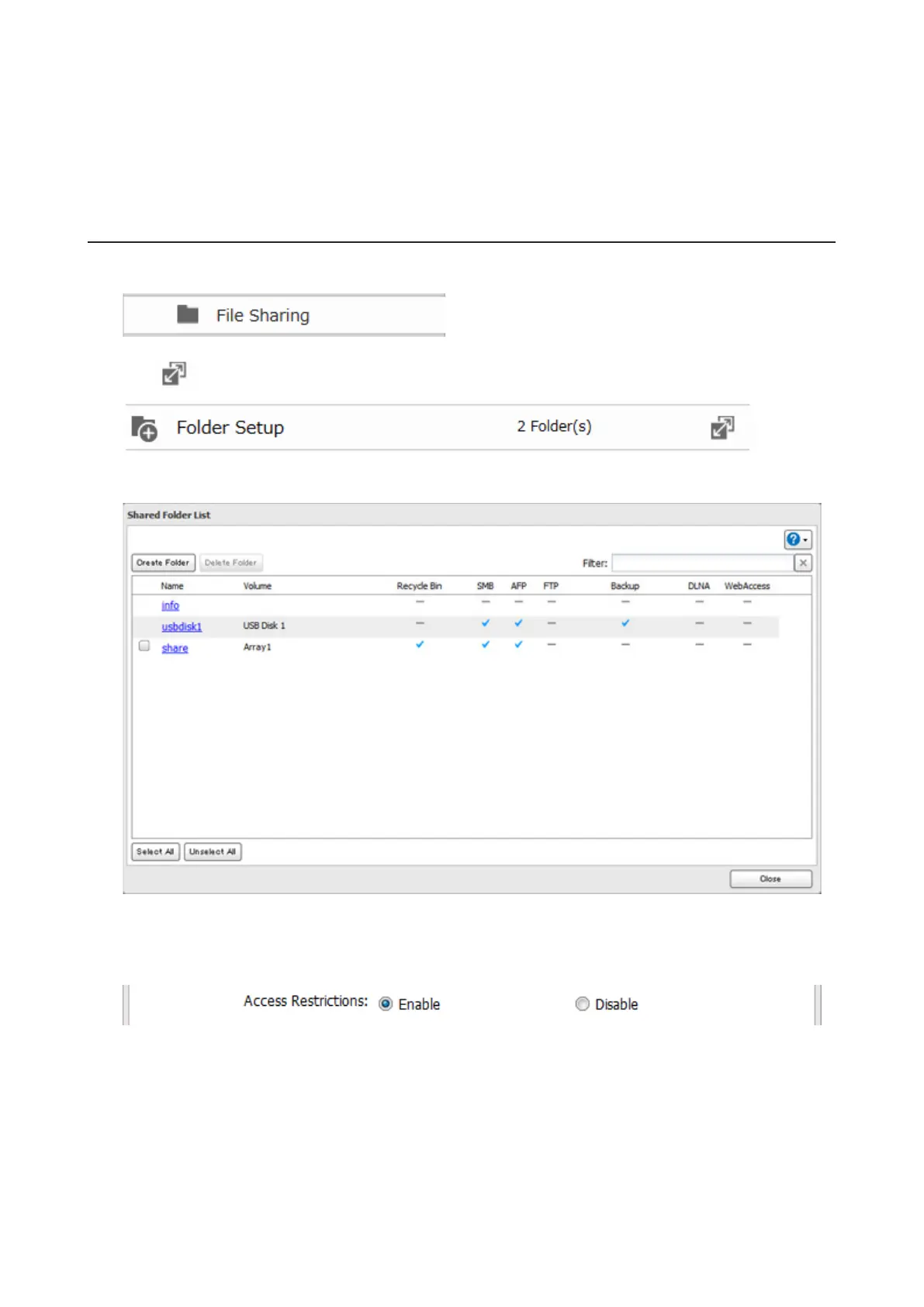
1 In Settings, click File Sharing.
2 Click to the right of "Folder Setup".
3 Click the shared folder that you want to set access restrictions for.
4 Click Edit.
5 Enable "Access Restrictions".
6 Select the level of access for the user or group you added.













 To Next Page