35
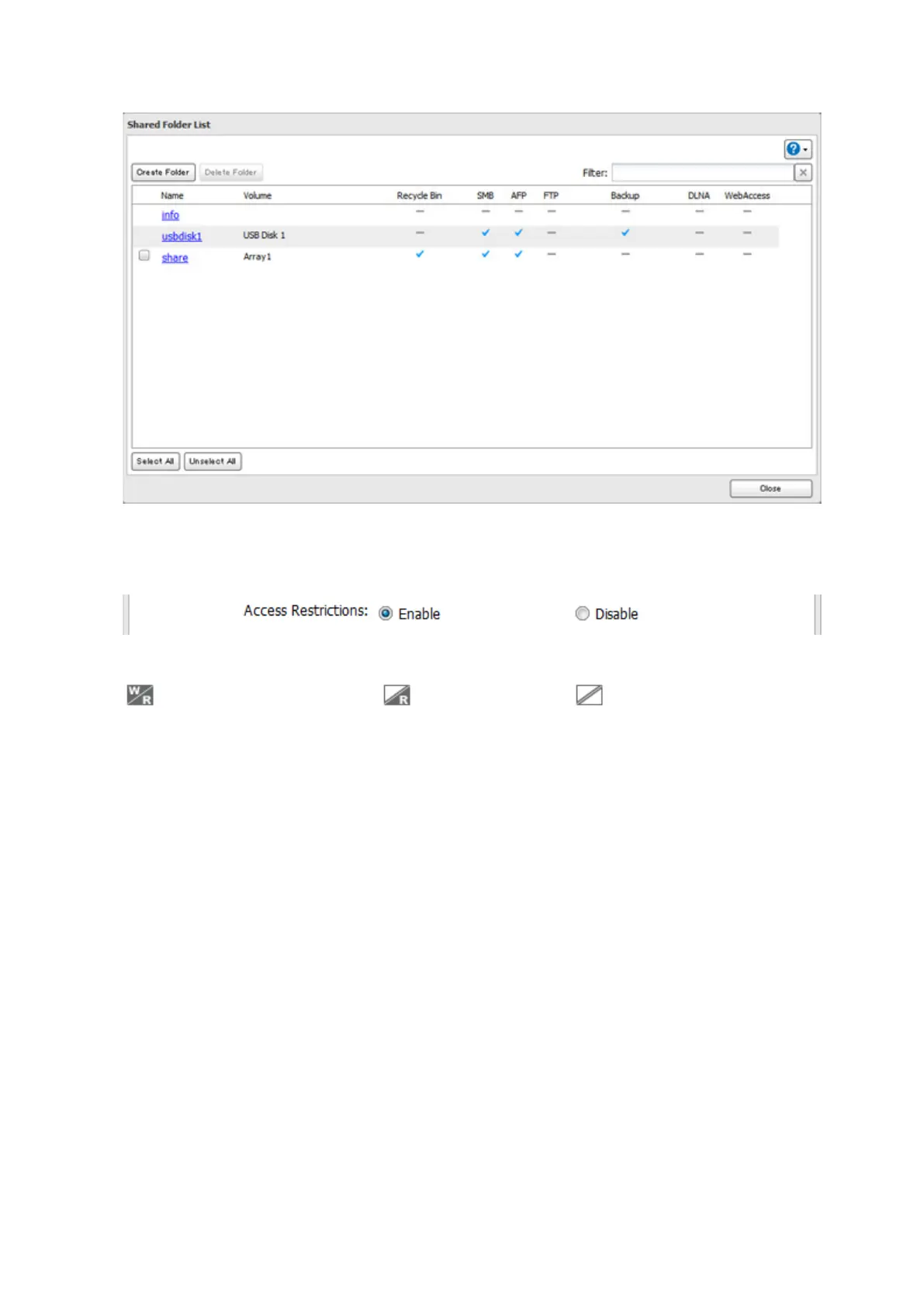
8 Click a shared folder that you want to set access restrictions for.
9 Click Edit.
10 Enable "Access Restrictions".
11 Select the level of access for the user or group:
: Read and write access allowed : Read access allowed : Access prohibited
12 Click OK.
Notes:
• If you change the LinkStation's name, you will no longer be able to use domain users and groups or access
restrictions. To repair this, rejoin the domain.
• To have the LinkStation join an Active Directory domain, configure it to use a DNS server that can resolve
names for the Active Directory domain.
• After building an Active Directory domain, the administrator password for joining the domain must be
changed at least once, or joining the Active Directory domain will fail.
• The DNS name and NetBIOS name of Active Directory domains should be identical.
• If both read-only and read & write permissions are given, the user will have read-only access. The most
restrictive access setting will apply.
• If there are more than 5 minutes difference between the LinkStation's clock and the domain controller's clock,
joining the domain or authenticating domain users and groups may fail. For best results, use an NTP server to
set the time for all network devices.
• To use the LinkStation as a member server in an Active Directory domain, the LinkStation should be logged
in to the domain and accessed from a computer that is not a member of the domain with a valid domain
account.
• If the LinkStation is a member server of an Active Directory domain, you cannot connect as a guest user via
AFP.
• If your LinkStation is a member server in an Active Directory domain and you change the authentication
method to "Workgroup", the account on the domain controller will not be deleted automatically.













 To Next Page