52
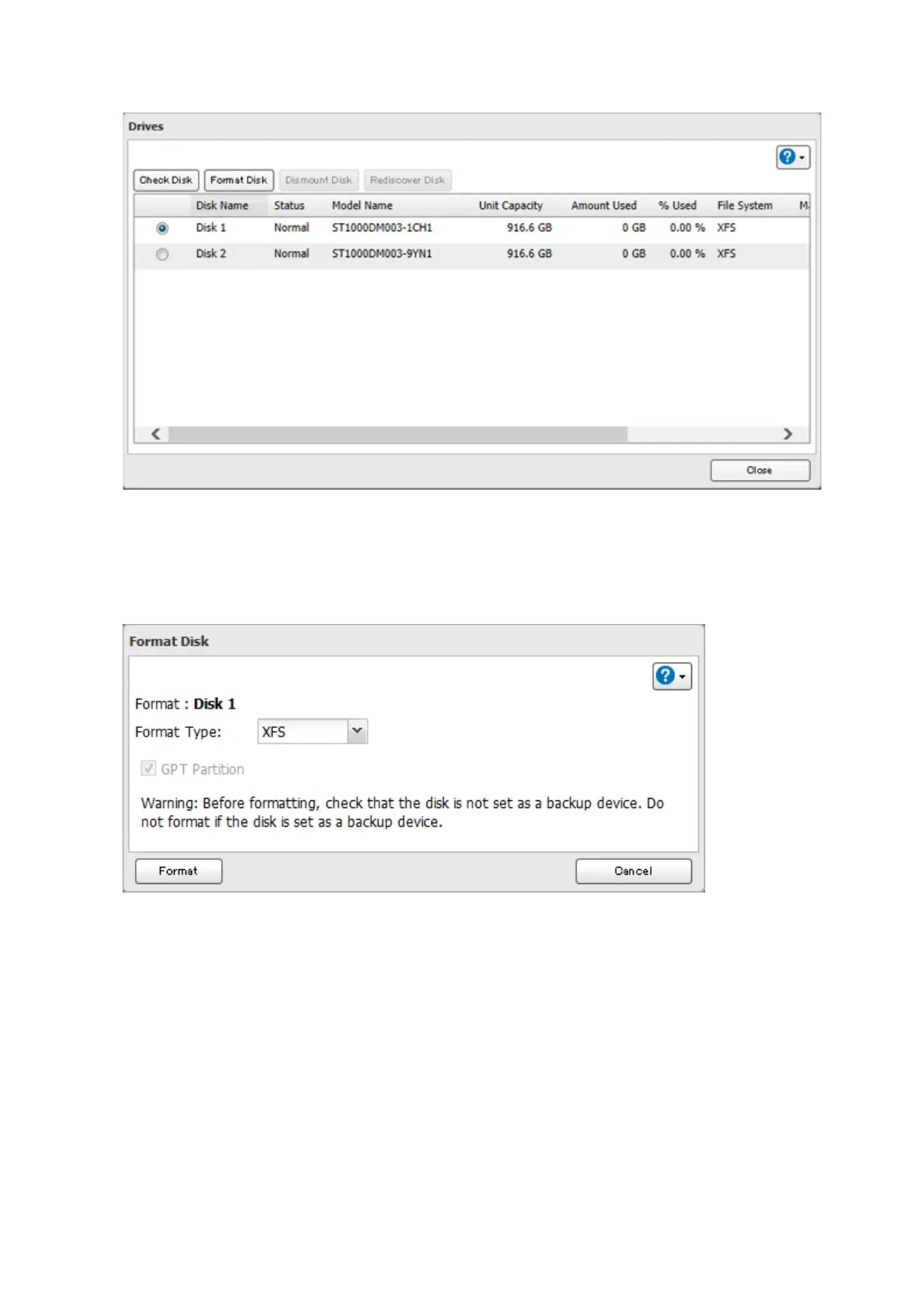
3 Select the drive to format, then click Format Disk.
Note: If you connect an external drive to the LinkStation and the drive status is still shown as "Unformatted",
refresh the status by clicking Rediscover Disk. If the status doesn't change, disconnect and reconnect the USB
drive.
4 Select a format type and click Format.













 To Next Page