62
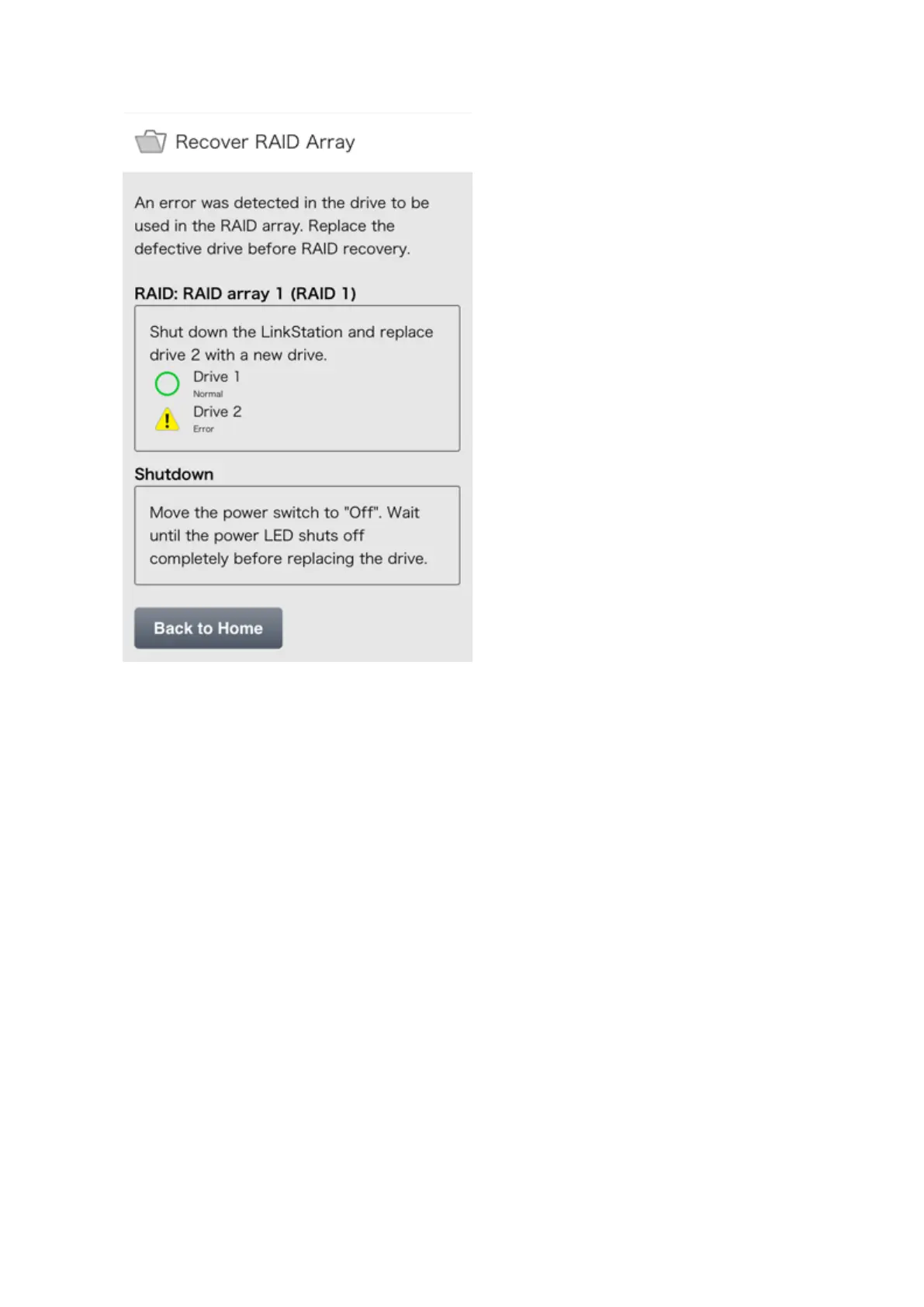
3 Check the status of the drive that failed. Follow the instructions to shut down the LinkStation.
4 Squeeze the left side of the front panel and swing it open.
5 Push the failed drive's cartridge up and remove it from the LinkStation.
6 Remove the drive from the cartridge.
7 Install a new drive (sold separately) into the cartridge.
8 Replace the four screws.
9 Insert the new drive in the empty slot.
10 Close the front panel.
11 Connect all cables, then turn on the LinkStation.
12 In Settings, tap the blinking yellow information icon.













 To Next Page