83
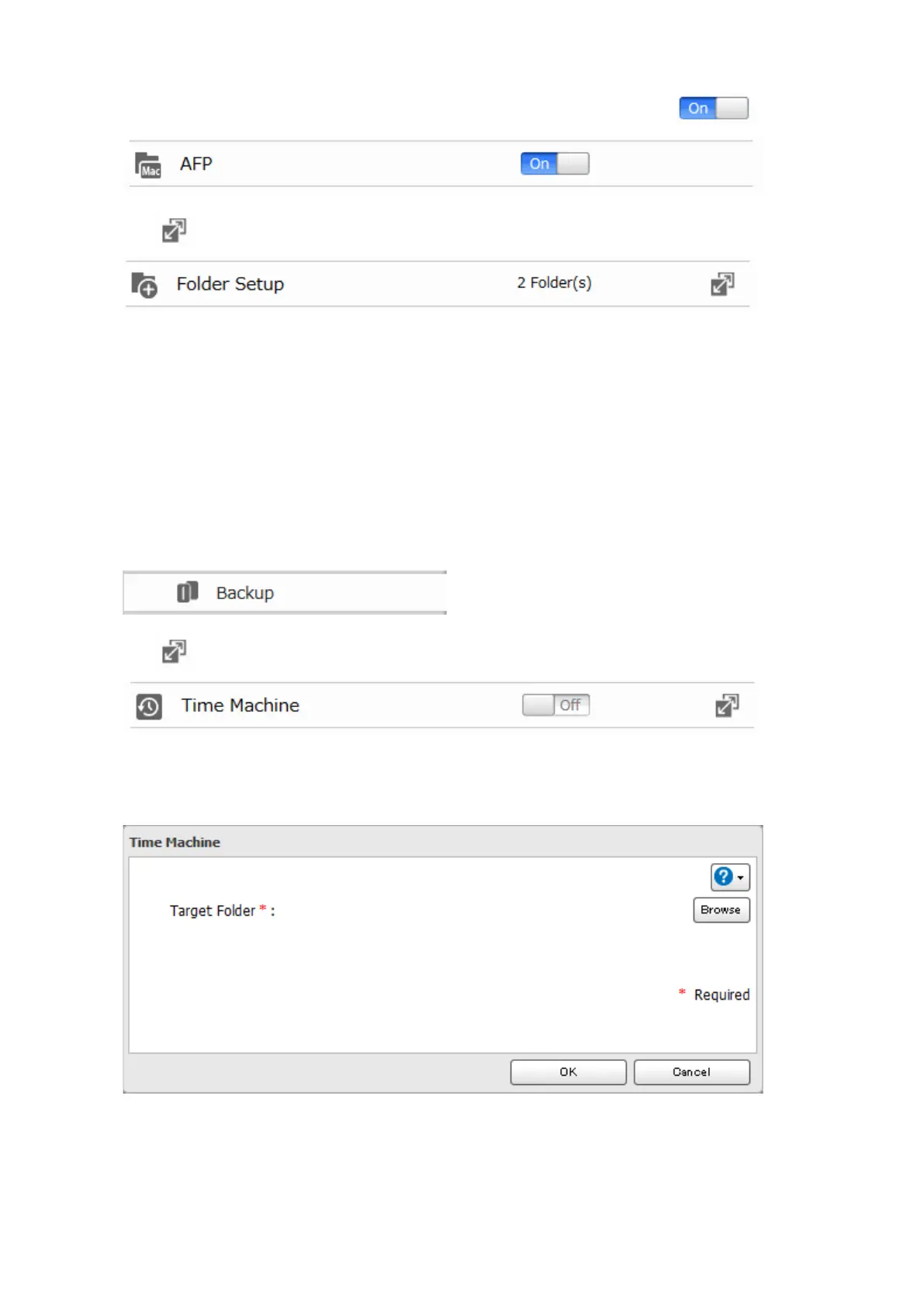
1 Make sure that AFP is enabled in Advanced Settings. The AFP switch should be in the position.
2 Click to the right of "Folder Setup".
3 Choose a shared folder as your backup destination for Time Machine.
4 Click Edit.
5 Under "LAN Protocol Support", check "AFP (Mac)" and click OK.
6 Click OK.
7 Click Close.
8 Click Backup.
9 Click to the right of "Time Machine".
10 Click Edit.
11 Click Browse.













 To Next Page