8
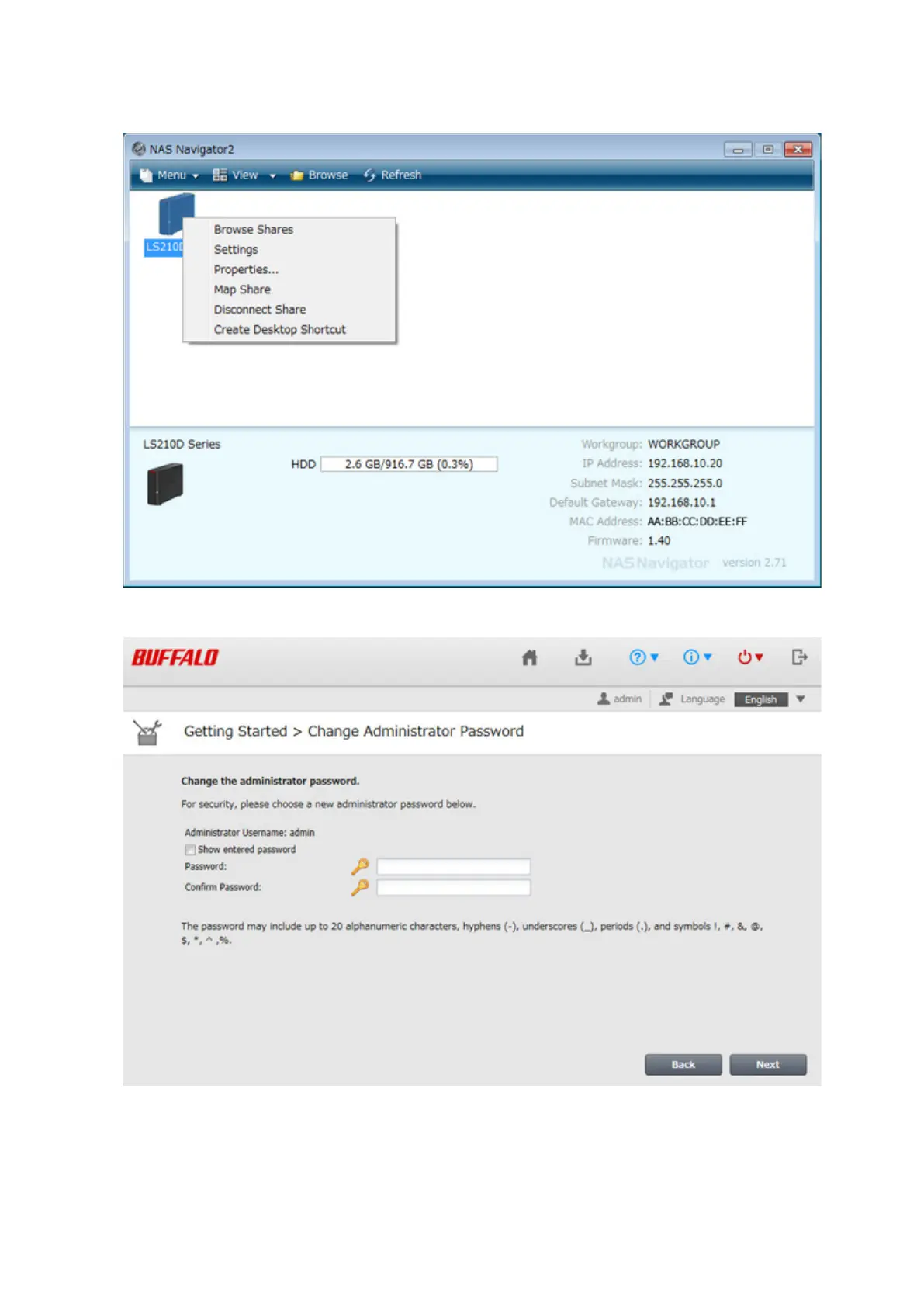
2 Right-click on your LinkStation's icon and select Settings. On the Mac, select the LinkStation's icon while
holding down the control key, then select Settings.
3 Changing the password from the default is recommended.
Note: You can open this same screen by clicking Getting Started from Easy Admin.
4 Enter the new password (twice), then click Next.













 To Next Page