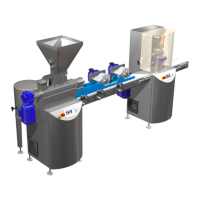
Mass Preparation Unit MPU
SnackFix
TM
2018-05 V1.8 11
4.1 Function of keys on screen „Start screen Mass Preparation Unit MPU“:
Alarm
The screen „Alarm“ is selected.
Service
The screen „Service“ is selected.
Recipe
The screen „Recipe“ is selected.
Machine Start:
With the touch button „Mach ON“ the complete MPU (Contimix,
Dosing Pump, Vibration unit & Heating) switched on.
Machine Stop:
With the touch button “Mach OFF” the complete MPU can be switched off.


 To Next Page