Ultra Training Manual
16
Step 1: Press and hold the Gourmet switch until the display screen reads “Cleaning Guide?”.
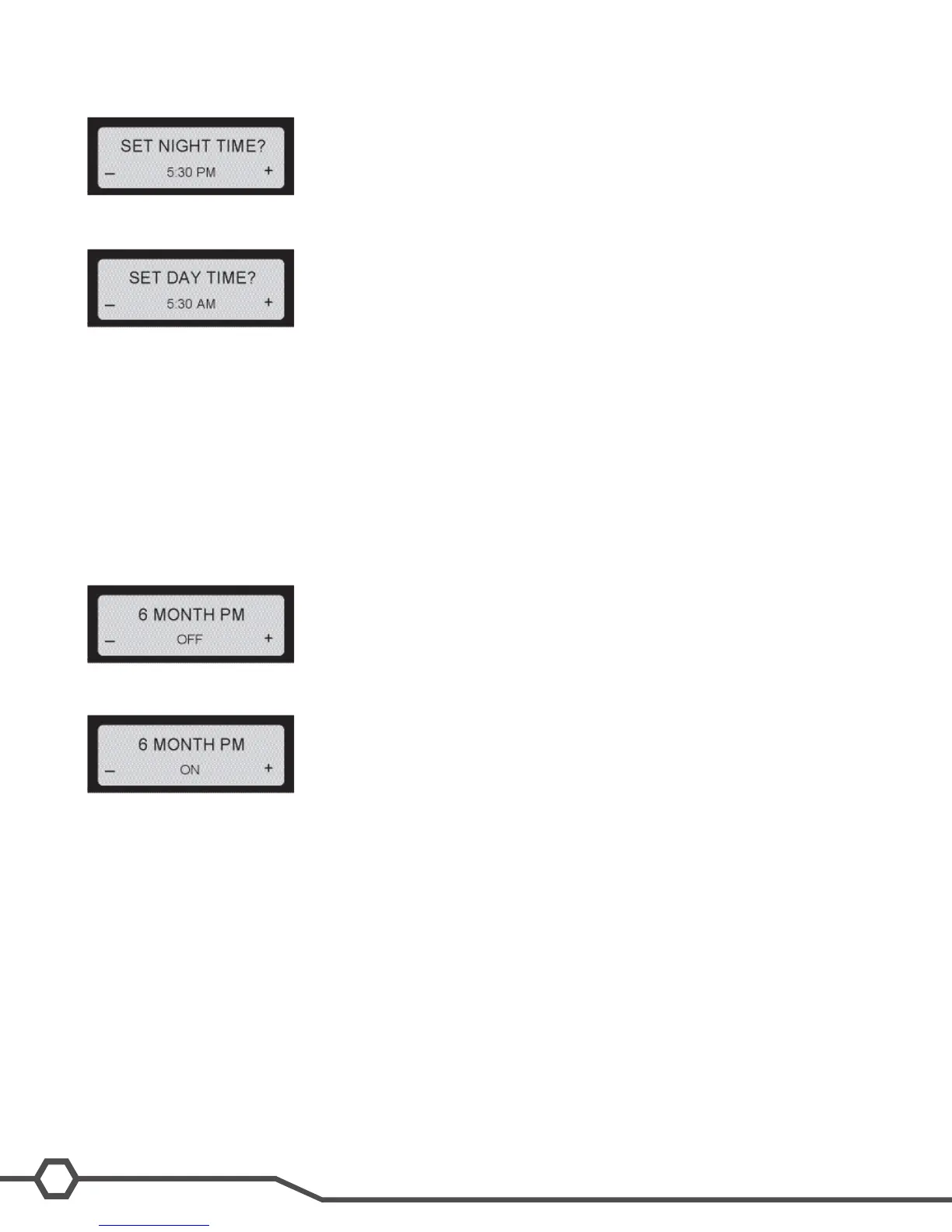
Step 2: Press and release the Gourmet switch until the “Set Night Time” setting option appears in the display screen.
Step 3: Use Min (-) and Max (+) to adjust the setting to the desired time. When nished, Press and release the Gour-
met switch and proceed to Day Time setting.
Step 4: Use Min (-) and Max (+) to adjust the setting to the desired time. When nished, keep pressing Next (Gour-
met) until you exit programming and return to the Home Screen.
6 Month PM
This function is used to set a reminder message Preventive Maintenance Due every six months. The machine will
not shut down if service is not performed. When the service is performed and the message, “PM COMPLETE?”, is
answered “YES” (ICE), the time and date is recorded for another six months to elapse.
Step 1: Press and hold the Gourmet switch until the display screen reads “Cleaning Guide?”.
Step 2: Press and release the Gourmet switch until the “6 Month PM” setting option appears in the display screen.
Step 3: Use Min (-) or Max (+) to turn this function on/off. If you are satised with the changes, keep pressing Next
(Gourmet) until you exit programming and return to the Home Screen.
Day To Clean
This function allows the operator to program a cleaning schedule from 1 to 14 days.
Delayed Rell
This function allows the operator to dose in small amounts of new product while delaying between doses.
This can help the already frozen product from becoming diluted and not ready to serve. These delay and ll times are
to be determined and set based on each application as desired by the end user.
Enable Rell (Ultra-1 Only)
This function will activate the Liquid Autoll function only in machines equipped with the LAF option.


 To Next Page