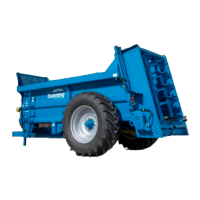
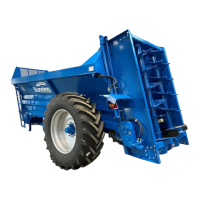
LOWLANDER HD MK2 & WIDEBODY MANURE SPREADER – INSTRUCTION & SPARES MANUAL
Page 18
1.11 LOAD CELL DIAGNOSTICS
There are several things that can be checked to diagnose load cell issues.
1.11.1 INSTRUMENT DIAGNOSTICS
1.11.1.1 In “Diagnostics – Loadcell Interfaces” is there a voltage and weight reading?
YES & Wrong – It could be the angle sensor or loadcells – 1.11.1.2
NO – It could be an issue with the loadcells or the CAN communication - 1.11.1.2
1.11.1.2 Is there an angle reading in “Diagnostics – Angle Sensor”?
YES & Correct – It is likely to be a problem with the load cells – 1.11.3
YES & Wrong – Re-calibrate the angle sensor on level ground
NO – It is likely there is a problem with the general CAN communication – 1.11.2
1.11.2 CAN DIAGNOSTICS
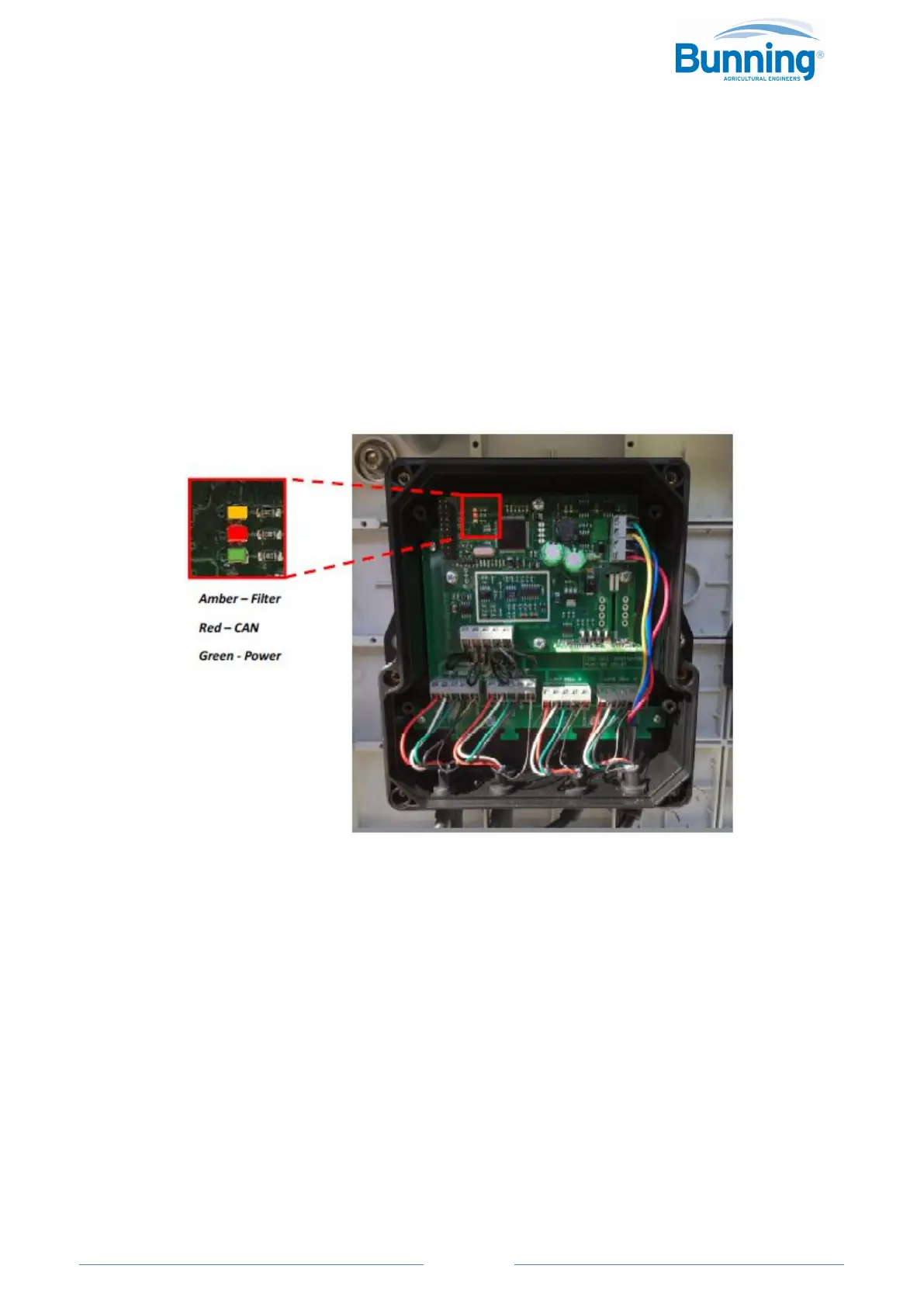
1.11.2.1 Open the Loadcell Interface and check if there is a constant green power light.
YES – Power supply is correct – 1.11.2.2
NO – No Power – 1.11.2.3
1.11.2.2 Check if the red CAN communication light is flashing (just above green power light)
YES – It is likely to be a problem with the load cells – 1.11.3
NO – There is a problem with the CAN connection in the load cell interface or the head-unit. –
1.11.4
1.11.2.3 Open the Type-C junction box and check the input power (12v) and fuse is OK. If not,
change fuse/check cabling and main power supply.



 To Next Page