period of more than 60 sec, the burner
will detect that there is no stable burning
process going on and will exnguish the
burner and aempt to reignite.
Select the desired opon using the
navigaon arrows. Use the „Enter”
buon to open the next parameter. Use
the buon to open the next page of
the menu.
Use this menu to conduct fanoperaon
test.
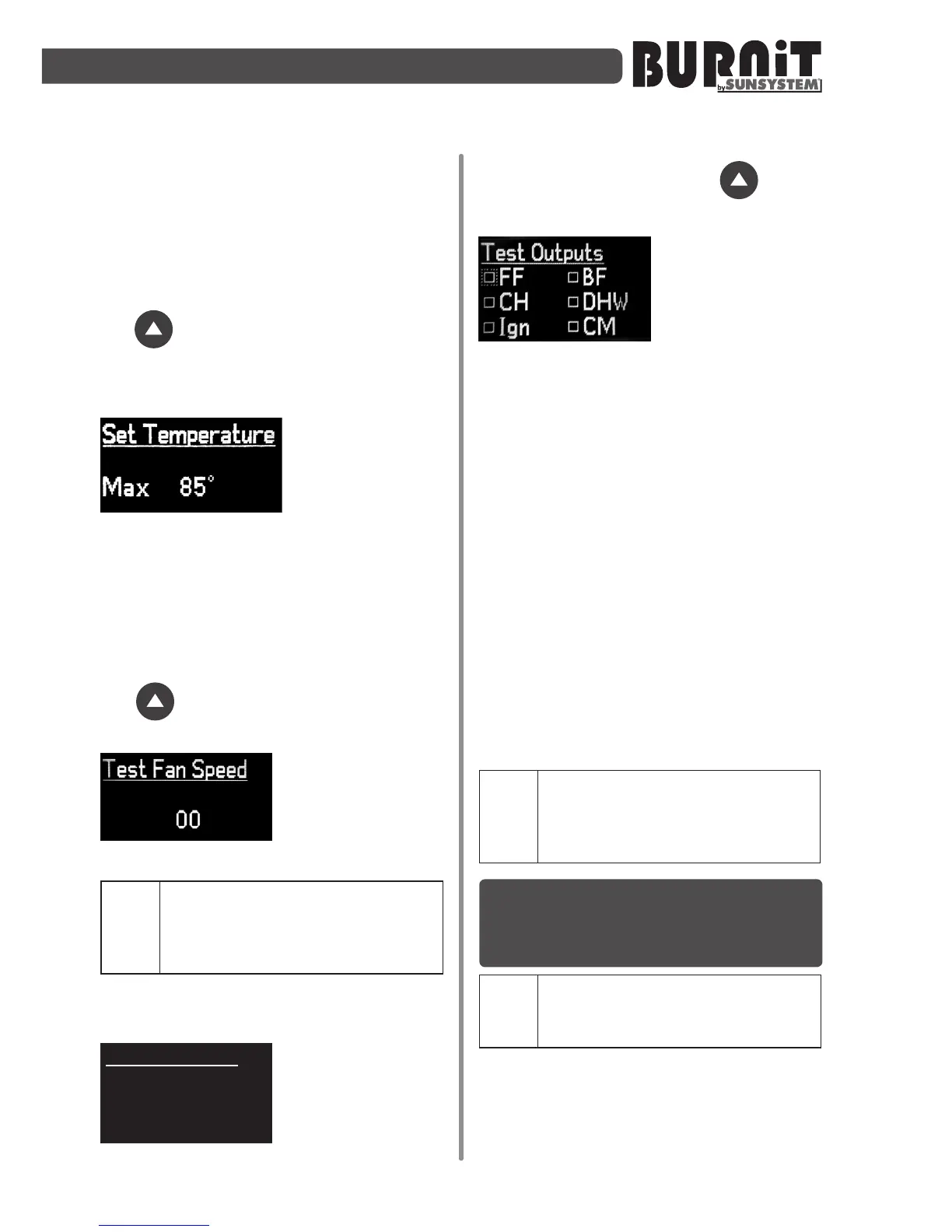
This menu allows
you to select
maximum boiler
temperature. In
other words, the
maximum temperature to heat the boiler
on which the burner has been installed.
The maximum value for this seng is
85°С. Select the desired opon using the
navigaon arrows. Use the „Enter”
buon to open the next parameter. Use
the buon to open the next page of
the menu.
You can control the
fan in real me,
without conrming
anything, using only
the navigaon arrows.
Important. This menu is for
installers only and it is active
andvisibleonlyifthecontroller
isin„Standby”mode.
TestEFanSpeed
Use this menu to
test the fan exhaust
(if installed). You
can control the fan
in real me, without
conrming anything, using only the
navigaon arrows. Use the buon
to open the next page of the menu.
This menu allows
you to check the
operaon of the
various pellet
burner
components. Using the navigaon
arrows, you can turn on and o the
various components and each me the
respecve components is being acvated
a checkmark will appear in front of its
name. Use the „Enter” buon to select
the individual components.
Descriponofcomponents:
1) FF – Fuel Feeder – main auger
2) BF – Burner Feeder – internal burner
auger / feeder
3) CH – Central Heang pump
4) DHW – Domesc Hot Water pump
5) Ign – Ignion
6) CM – Cleaning Motor
Important. This menu is for
installersonly. It is activeand
visibleonlyifthecontrolleris
in"Standby".
10. SETTING OUTPUT MODES OF
OPERATION OF THE PELL PELLET
BURNER
CAUTION! You must use gas
analyzer when setting the
burner.
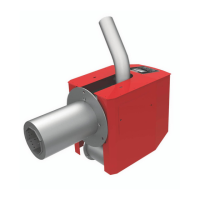
The Pell pellet burner is equipped with
three-step output adjustment and their
seng depends on the boiler and heat
requirements of the heang installaon.


 To Next Page