BR320DABC
23
DAB Mode
Selecting DAB Mode
1. Press MODE button repeatedly to select DAB mode.
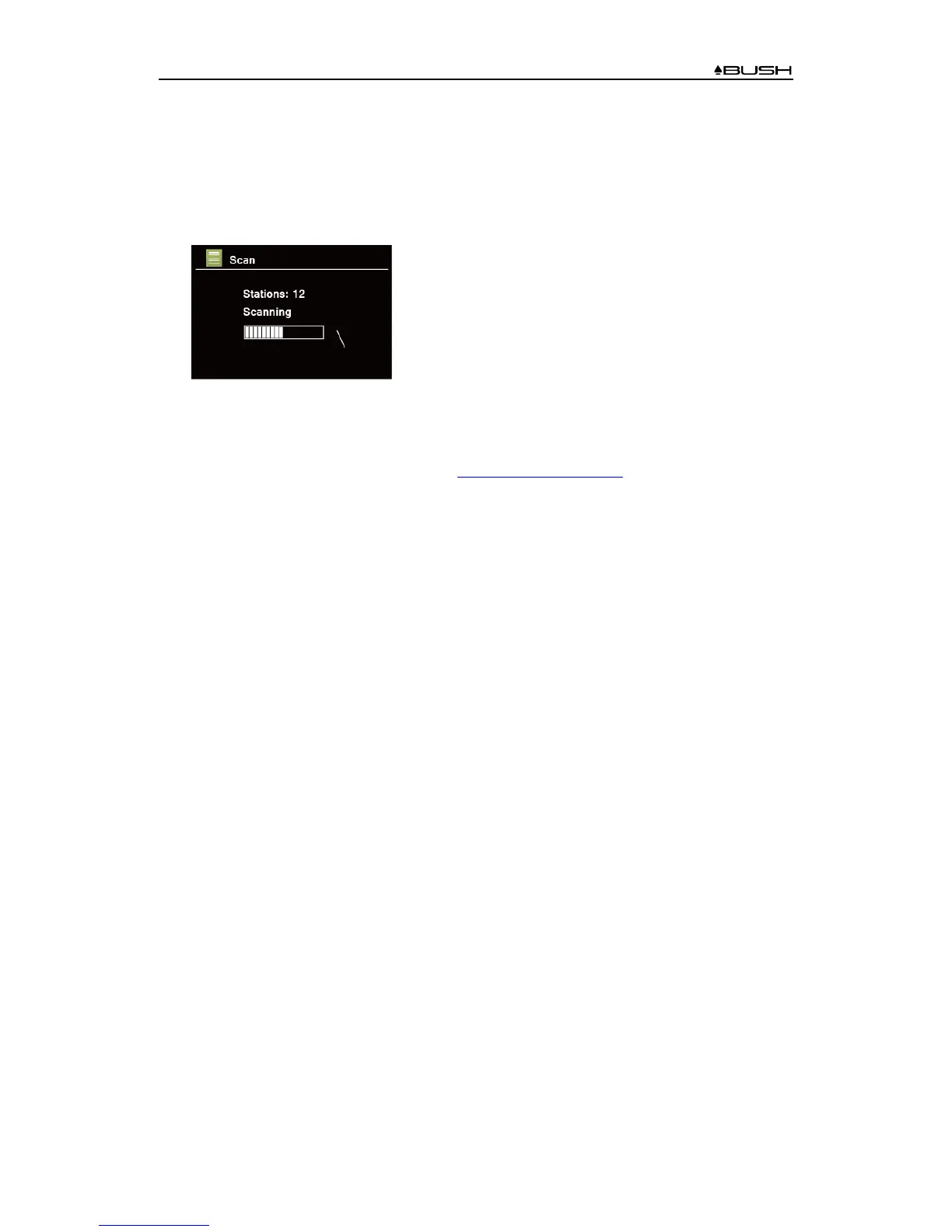
2. For initial use, radio will carry out a full scan and store stations list in memory
3. Once the scanning is completed, the DAB/DAB+ stations will be displayed in alphanumeric
order. The first station in the list will be selected, press SCROLL/SELECT knob to broadcast.
# Note: if no DAB/DAB+ signal is found in your area, it may be necessary to relocate your
radio to a stronger signal area.
Visit: www.digitalradioplus.com.au to check if DAB is available
in your area.
Selecting another Station
1. While a program is playing, press MENU button, turn SCROLL/SELECT knob to select
“Station list”, and then press SCROLL/SELECT knob to confirm.
2. Turn SCROLL/SELECT knob to select the station you want to play, and then press
SCROLL/SELECT knob to confirm.
# Note: alternatively, while a program is playing, press TUNE/VOL. button to activate tuning
function of SCROLL/SELECT knob. Turn SCROLL/SELECT knob to browse through station
list, and then press SCROLL/SELECT knob to confirm the station you desired.
Secondary Service
You may see a “>>” symbol after the name of the station, this indicates that there are secondary
services available to that station. These secondary services contain extra services that are related
to the primary station. E.g. a sports station may want to add extra commentaries. The secondary
services are inserted directly after the primary station (a “<<” symbol is before the name of the
station) in the station list.
To select the secondary station, turn SCROLL/SELECT knob until you find the secondary service
you want, then press SCROLL/SELECT knob to select it.
When the secondary service ends, the unit will automatically switch back to the primary station.



 To Next Page