BR320DABC
26
2. Turn SCROLL/SELECT knob to cycle through the preset numbers 1-10.
3. Select one preset number and then press the SCROLL/SELECT knob, display will show
“Preset stored”.
4. Preset number “ #” will show on the display.
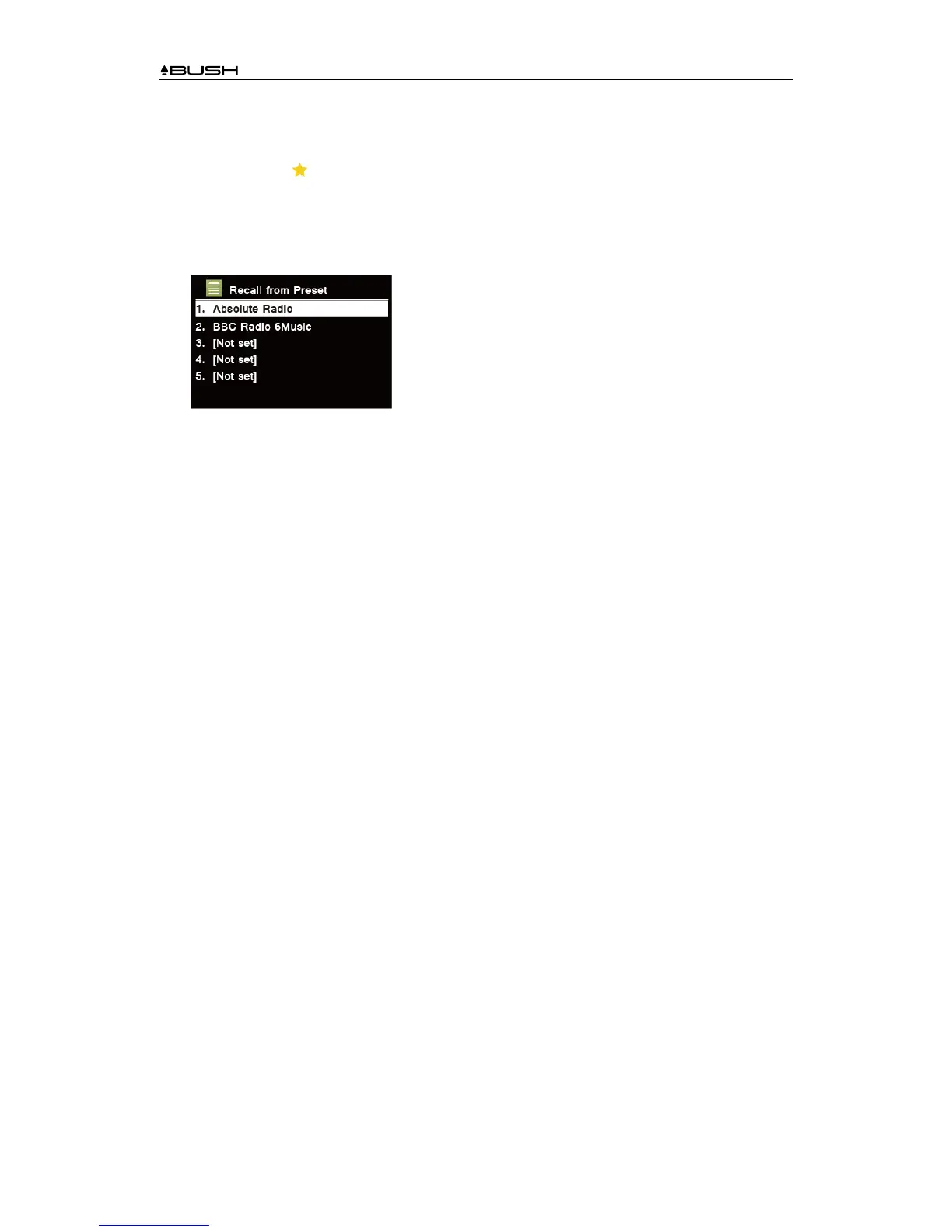
Recalling a Preset Station
1. Press PRESET button to show the saved preset stations.
2. Turn SCROLL/SELECT knob to select the preset station you want to play and then press the
SCROLL/SELECT knob to confirm.
3. The display will show “Preset Empty” if the preset station isn’t allocated.



 To Next Page