BR320DABC
28
Storing Preset Stations
Your radio can store up to 10 of your favourite FM stations. This will enable you to access your
favourite stations quickly and easily.
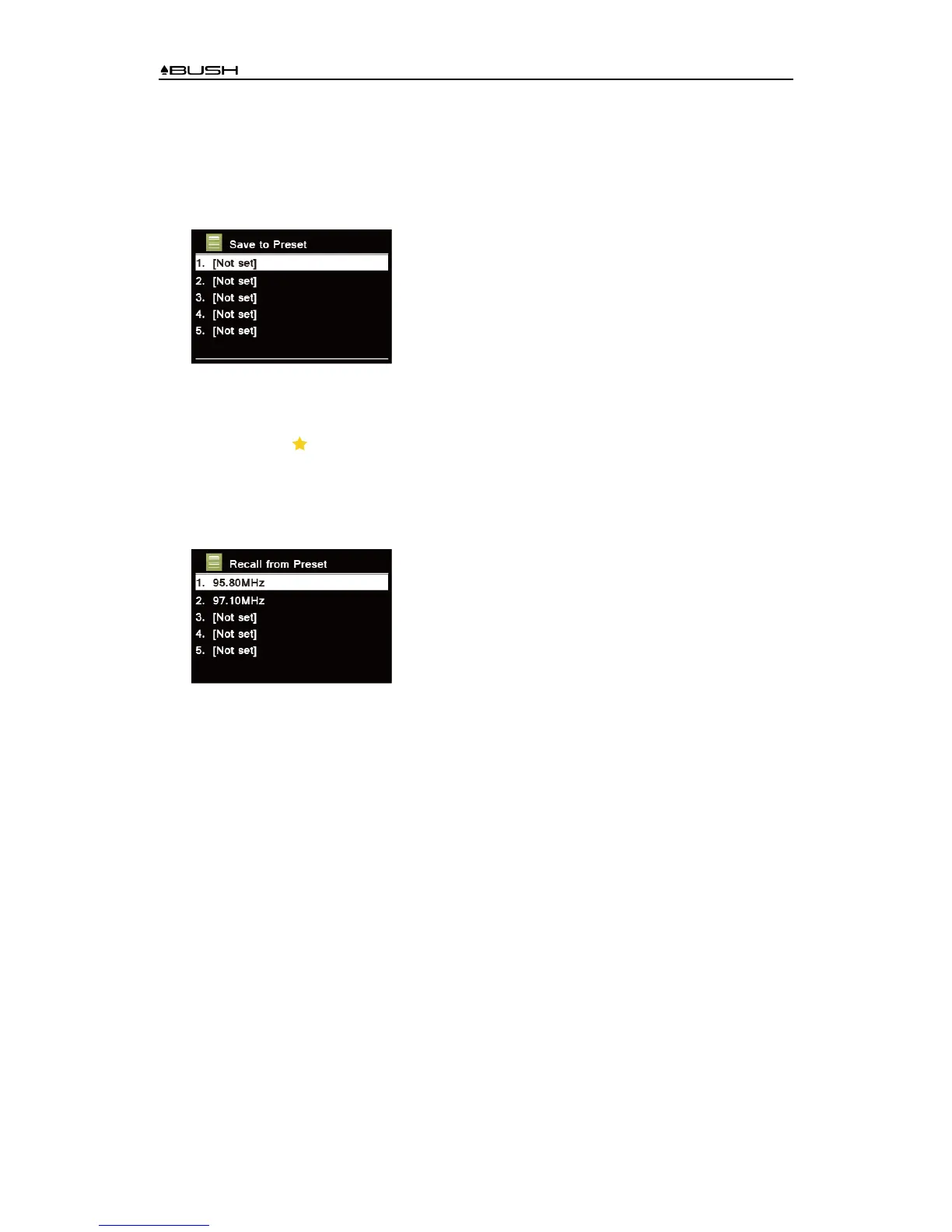
1. While playing your favourite station, press and hold PRESET button on the main unit until
display shows as below:
2. Turn SCROLL/SELECT knob to cycle through the preset numbers 1-10.
3. Select one preset number and then press the SCROLL/SELECT knob, display will show
“Preset stored”.
4. Preset number “ #” will show on the display.
Recalling a Preset Station
1. Press PRESET button to show the saved preset stations.
2. Turn SCROLL/SELECT knob to select the preset station you want to play and then press the
SCROLL/SELECT knob to confirm.
3. The display will show “Preset Empty” if the preset station isn’t allocated.



 To Next Page