BR320DABC
6
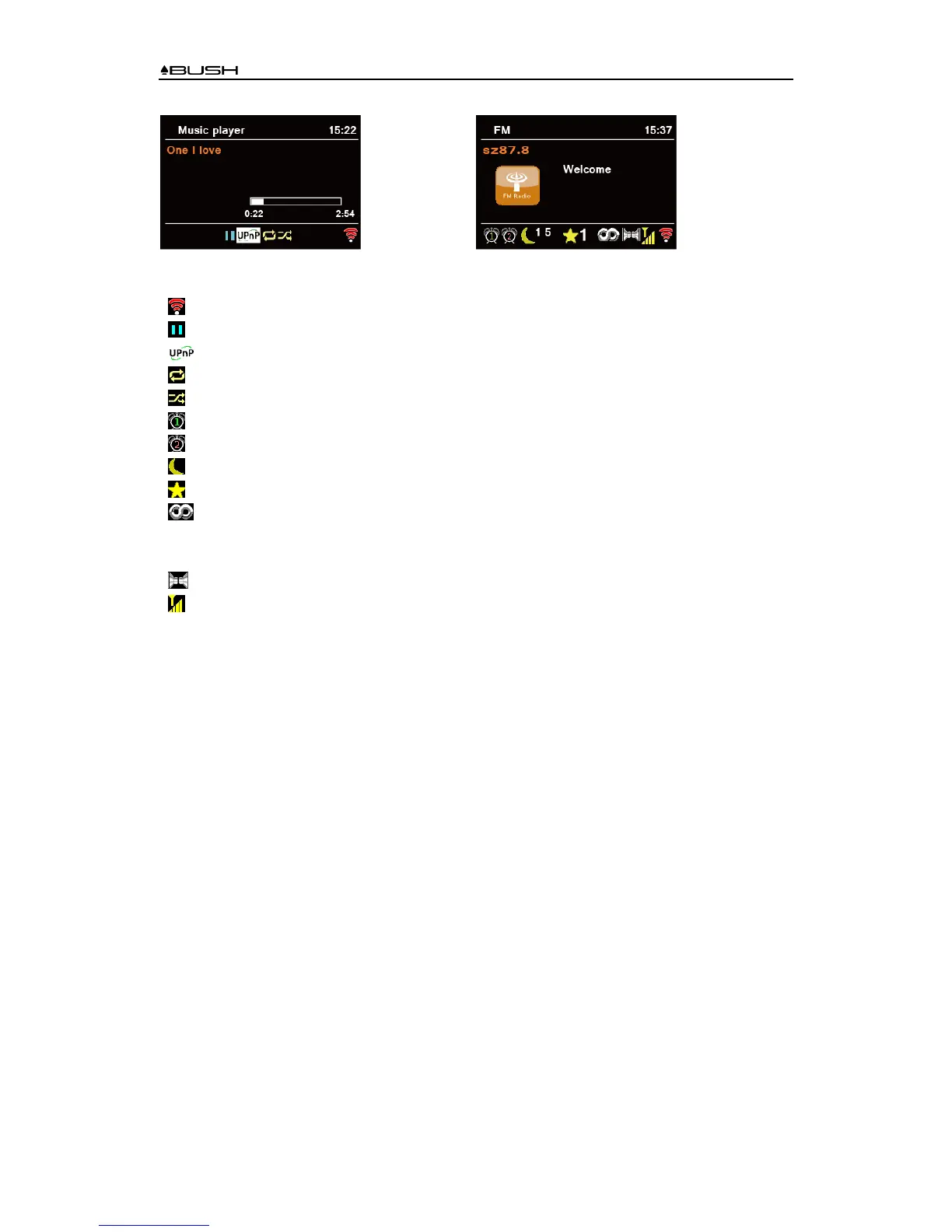
Icons on display
Icon
:
WiFi level
:
Music/program is paused
:
Music player mode - Music/programs played from a Media Server on your network
:
Repeat play
:
Shuffle play
:
Alarm 1 is active
:
Alarm 2 is active
##:
Sleep timer is active and unit will go to standby after “##” minutes
#:
Preset station “#”
:
RDS (Radio Data System)
The FM station with RDS which plays Program Name, Program Type, Program
Contents and other information.
:
Audio of the FM station is produced in stereo
:
Station signal strength



 To Next Page