Control and display elements
Butzbach GmbH Industrietore Original operating manual sliding doors_V1 13/01/2021 28
6.2 Display elements
6.2.1 Definition and placement
Display elements draw attention to certain settings or situations regarding elements or the entire door system.
The display elements are located on the control cabinet, for example, and are described in the control system
function description.
6.2.2 “Control voltage” indicator light
Front of the control cabinet
The indicator light lights up white if the control voltage for the sliding door is switched on.
Door system control voltage status notification
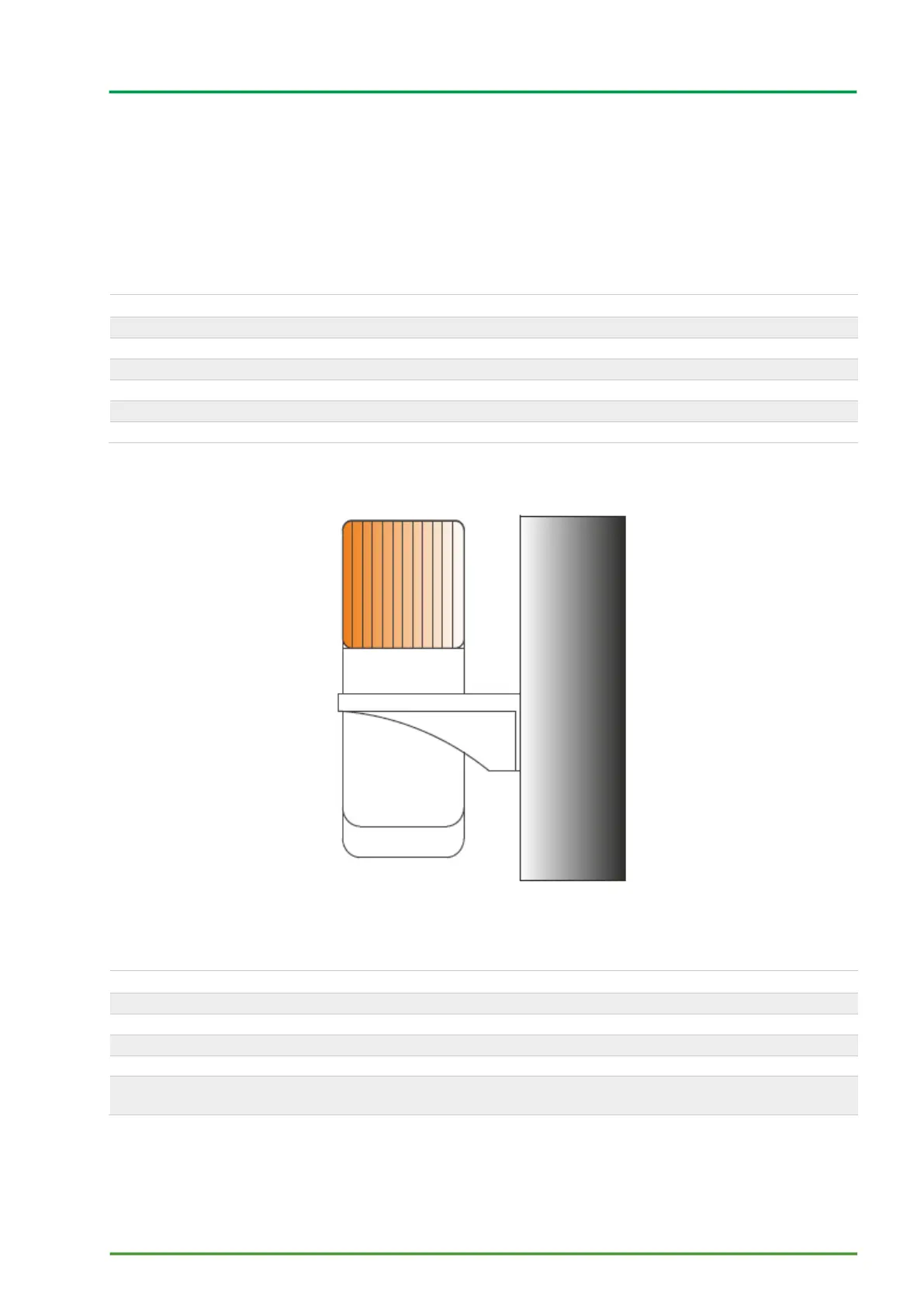
6.2.3 Orange indicator light
Figure 9 Orange indicator light
Orange indicator light horn
Blinking: The door / door leaf is moving. It goes out as soon as movement stops.
Acoustic signal sounds during door movement at the same time as the indicator light lights up.



 To Next Page