Operator manual
Page 9 - 35
Initial version : 11/08
Lastest revision : 02/10
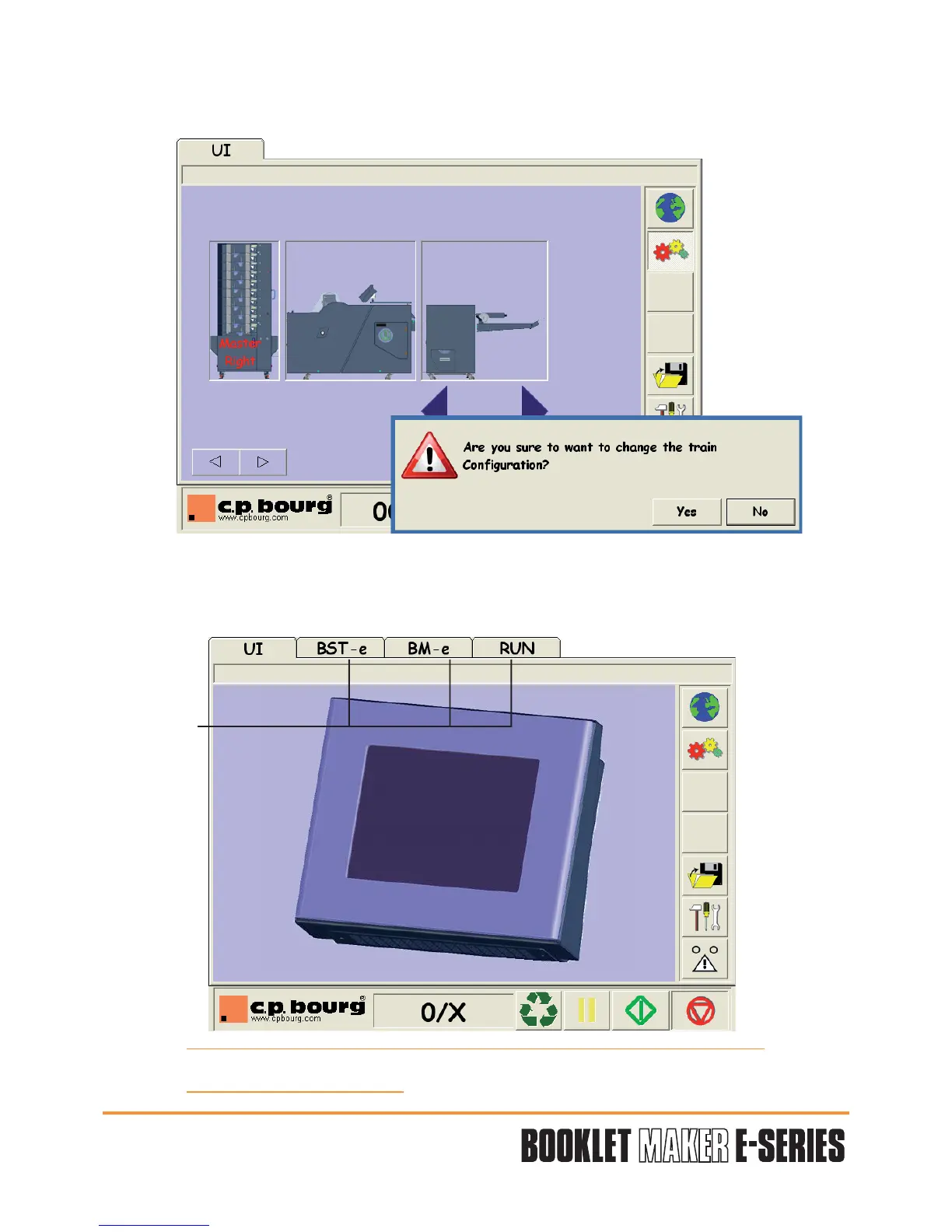
A message appears. To confirm your configuration press YES.
The screen shuts down and then restarts by itself.
Some new tabs appear according to the configuration.
A new tab "RUN" also appears to make some fine adjustments while machines are running
(see chapter 5.4 RUN screen).
ATTENTION: For BSTd+ / BM-e configuration, BSTd+ tab will not appear.
The BSTd+ has its own U.I.
Tabs


 To Next Page