Operator manual
Page 9 - 40
Initial version : 11/08
Lastest revision : -
5.3.1 Paper format and Stitcher parameters screen
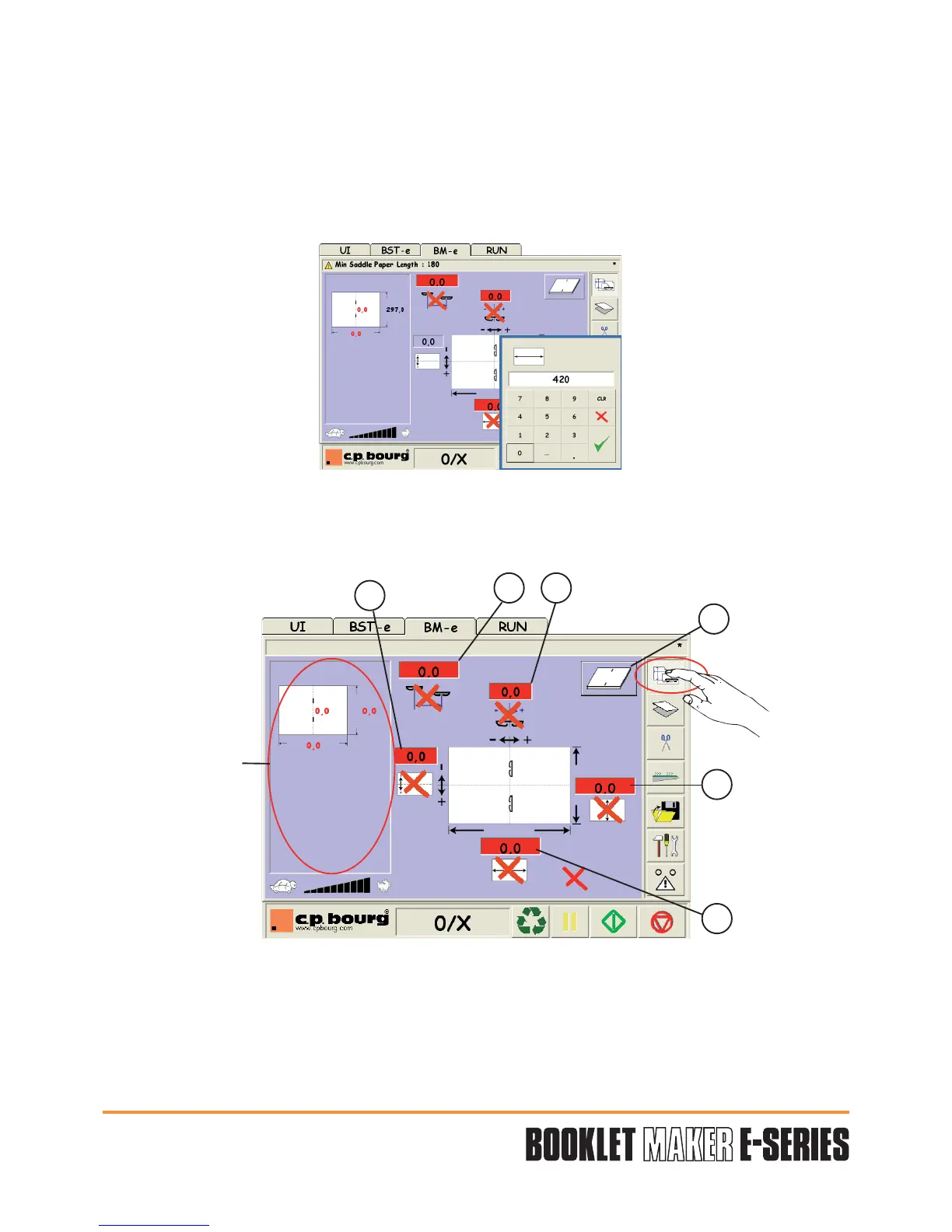
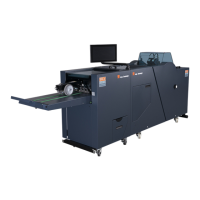
Press the button "PAPER FORMAT AND STITCHER SCREEN" to have access to the stitching
parameters.
Press on value to edit•
Enter the value using the keypad.•
Validate• "V".
"V" Valid the adjustment parameters entered in the different screen.
"X" Cancel the last modifications entered in the defined job.
Six adjustments are available:
1 - Paper width choice.
2 - Paper length choice.
1
2
3
5
4 6
Summary area
See Productivity
and Summary
chapter 5.3.5


 To Next Page