Operator manual
Page 9 - 41
Initial version : 11/08
Lastest revision : 02/10
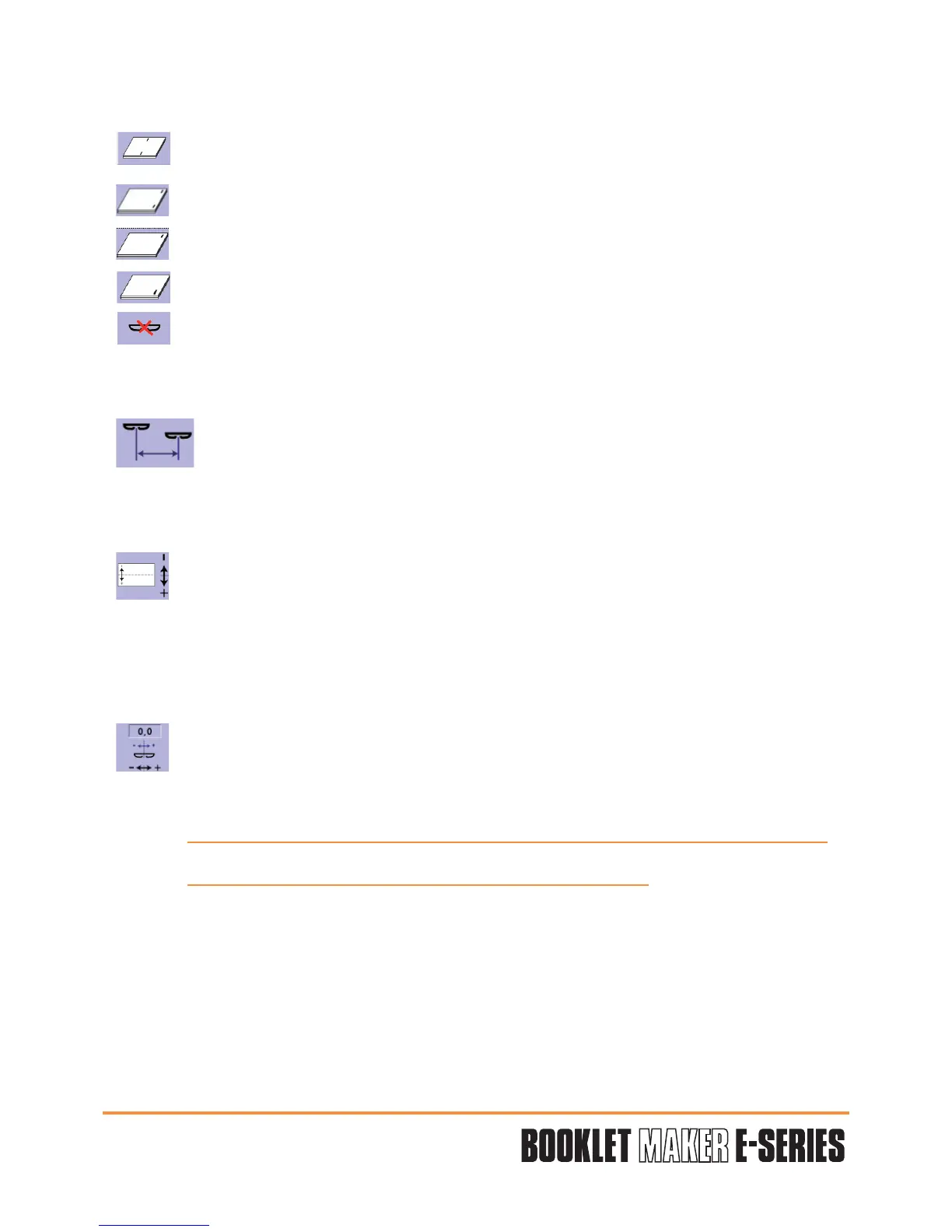
3 - Stitching mode choice.
Saddle stitching.
Top stitch.
Left corner stitching.
Right corner stitching.
Cancel stitching function.
4 - Space between stitches.
Only for saddle and top stitch.
Determine the value through the numerical keypad.
Validate "V".
5 - Stitch position choice (left or right).
This function allows to offset the stitches to the right (+) or to the left (-) compared
with the middle of the paper width.
Position 0,0 = centred stitch.
Determine the value through the numerical keypad.
Validate "V".
6 - Stitch position choice (front or rear).
This function allows to offset the stitches to the front (+) or to the rear (-) compared
with the middle of the paper length.
Position 0,0 = centred stitch.
Determine the value through the numerical keypad.
Validate "V".
Attention: When the values are not compatibles, the affected area is in red colour.
You have to change the value to validate the configuration.


 To Next Page