Operator manual
Page 9 - 59
Initial version : 11/08
Lastest revision : -
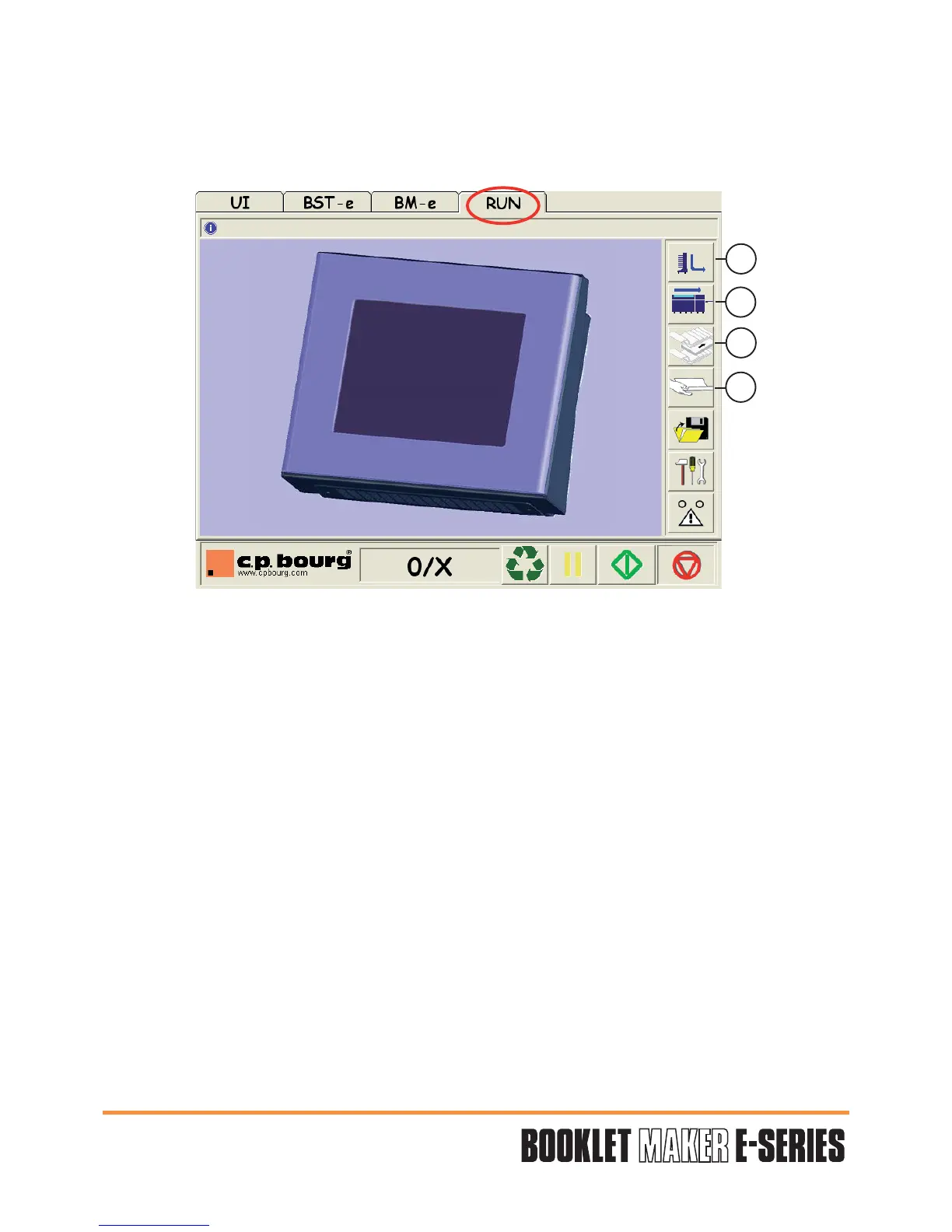
5.4 RUN screen options
The RUN screen allows you to perform some fine adjustments while machines are running.
1 - BSTE-e ADJUSTMENTS IN MODE RUN.
(see operator manual BST-e)
2 - BM-e ADJUSTMENTS IN MODE RUN:
3 - MARRYING TABLE:
This function allows to add a sheet or a block of sheets in a set.
4 - MANUAL INSERTION:
Allows to insert sheet manually to execute a job in the BM-e.
1
2
3
4


 To Next Page