3 ) Roll a know n ,m a rked distance,
being careful of your start and
stop points. The display will
n ow ch a n ge from “R O L L” t o
“R O L L I N G .”
4 ) After yo u ’ve rolled in your dis-
t a n c e ,p ress the [ S c a l e ] button to
tell the device yo u ’re fi n i s h e d
ro l l i n g . The main display will
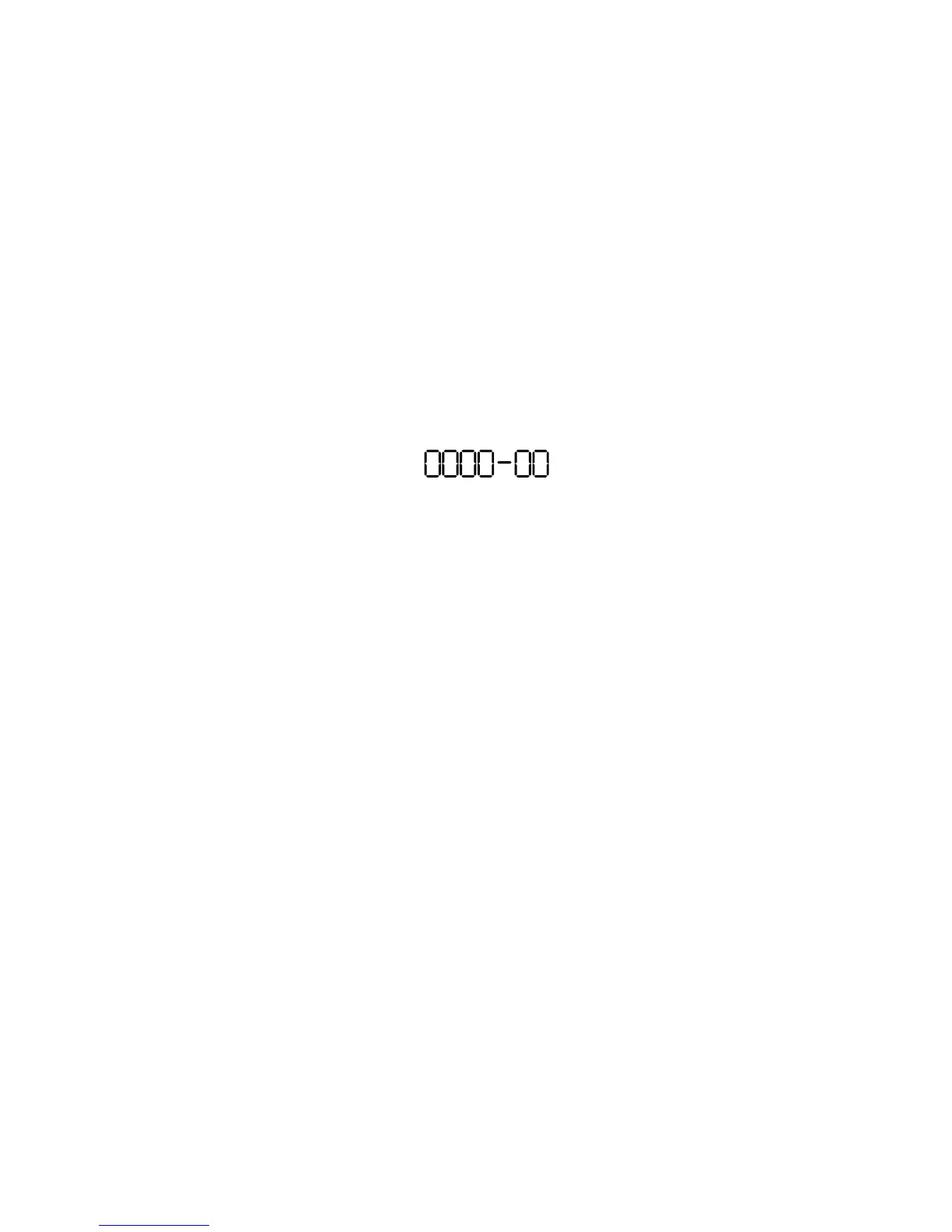
n o w look similar to this:
F T I N
The units of measurement a n -
nunciator will begin fl a s h i n g
(F T-I N for Imperial Mode, M M fo r
M e t ri c ) .
5 ) If you want to ch a n g e the units
of measure m e n t , p ress [ M 1 + ]
until you re a ch the desire d
u n i t s .Then press [ S c a l e ] to begi n
setting the scale distance.If yo u
d o n ’ t want to ch a n ge the units,
s i m p l y press [ S c a l e ].
6 ) N o w tell the Scale Master w h a t
that rolled distance was ( a c c o r d-
ing to the plans),using [M1+] ( t o
a d vance the count of each
d i git) and [ S c a l e ] (to enter the
3 2 – Scale Master
®
C l a s s ic v 2 . 0











 To Next Page