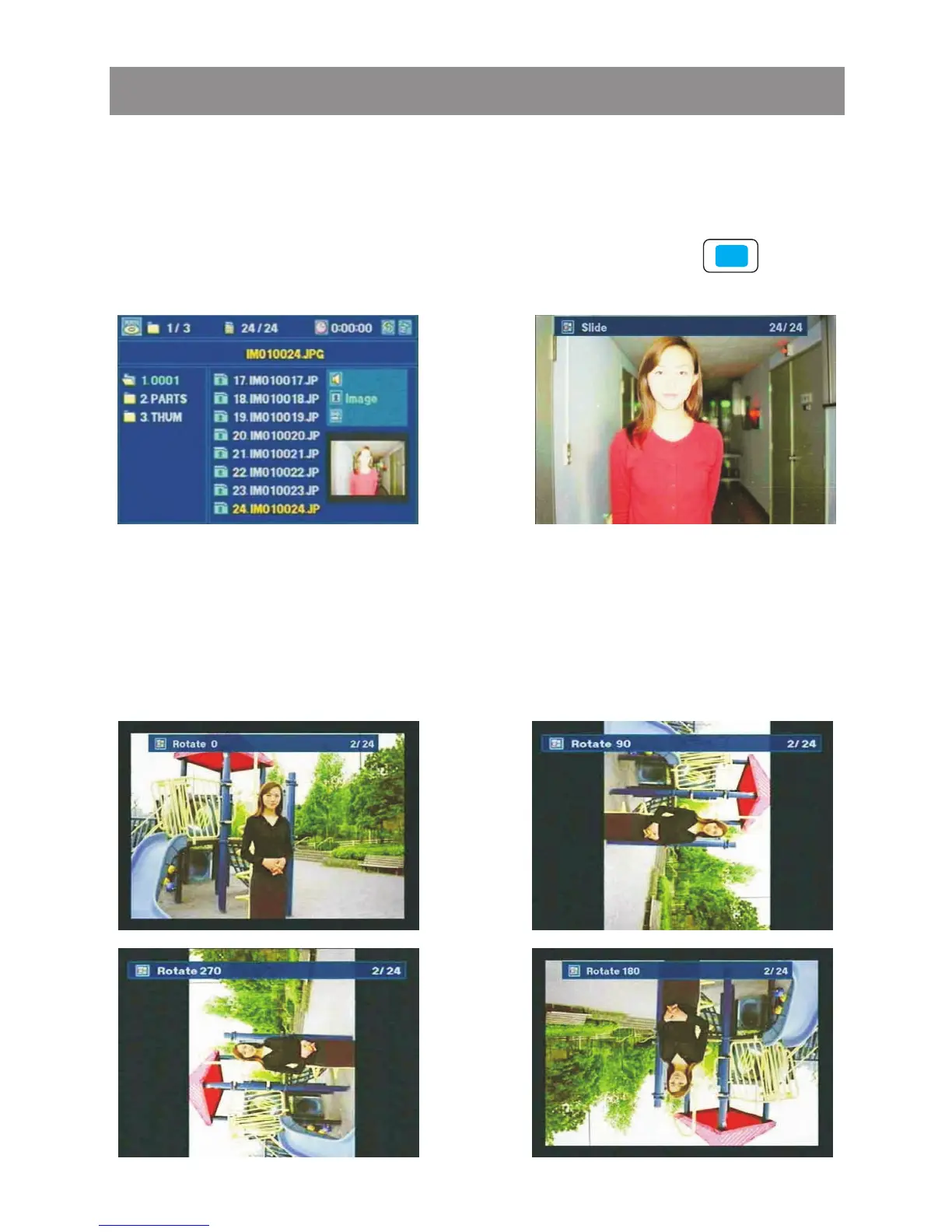
In Slide mode, when the key ENTE or PLAY is pressed, the
player will show pictures or photos one by one from current
picture. It will stop and return back when the last one has been
shown, Press " STOP" button or tap touch screen button
to stop the slide show mode.
" " " "
MMN->IMAGE View-> Slide
ENTER->
<- STOP
MMN->IMAGE View-> Rotate
By using the , the picture or photo can be
shown in different angle and press on remote control or tap
touch screen , , , key to switch among these angles.
Rotate angle:
"Rotate" function
▲
▲
▲
▲
▲
▲
▲ : Rotate 0 : Rotate 90 ▼ : Rotate 180 : Rotate 270
▲
▲
▲
▲
Media Player



 To Next Page