Note: Other operation are the same as CD / VCD, like repeat,
program and so on. Please refer to the CD / VCD Disc
Operation section.
10&11 Up / Down / Right / Left / Enter
Press on remote control or tap touch screen / / /
button to move the cursor.
Press OK button on remote control or tap touch screen button
to confirm the selection.
OSD
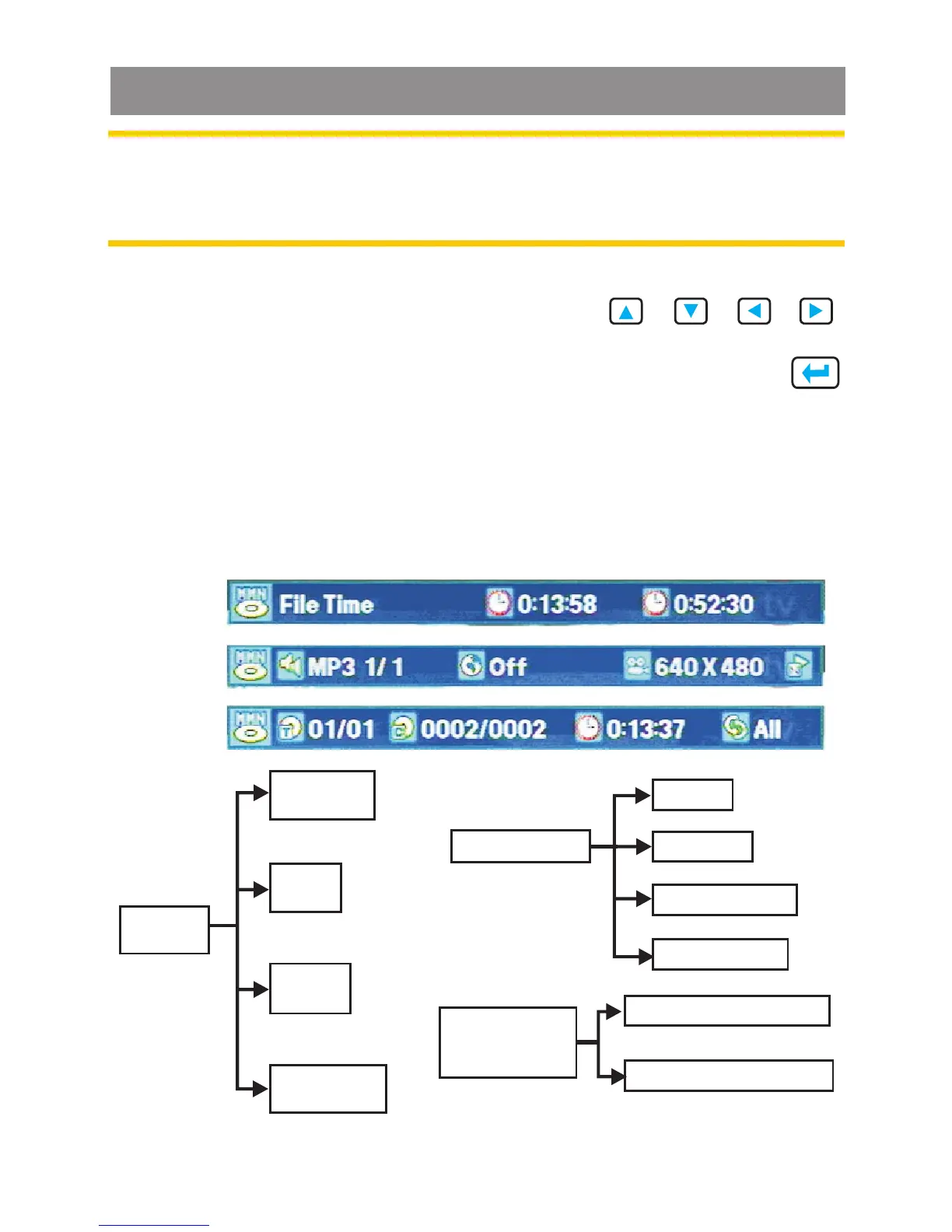
MMN Video OSD information item:
Press OSD, state change:
st nd rd
1 OSD -> 2 OSD -> 3 OSD -> OSD off
st
1 OSD
nd
2 OSD
rd
3 OSD
1 OSD
st
File
Time
Repeat
Folder
Audio
2nd OSD
Subtitle
3rd OSD
Title Time
Current File Time
Remain File Time
Frame Size
Play mode
Media Player



 To Next Page