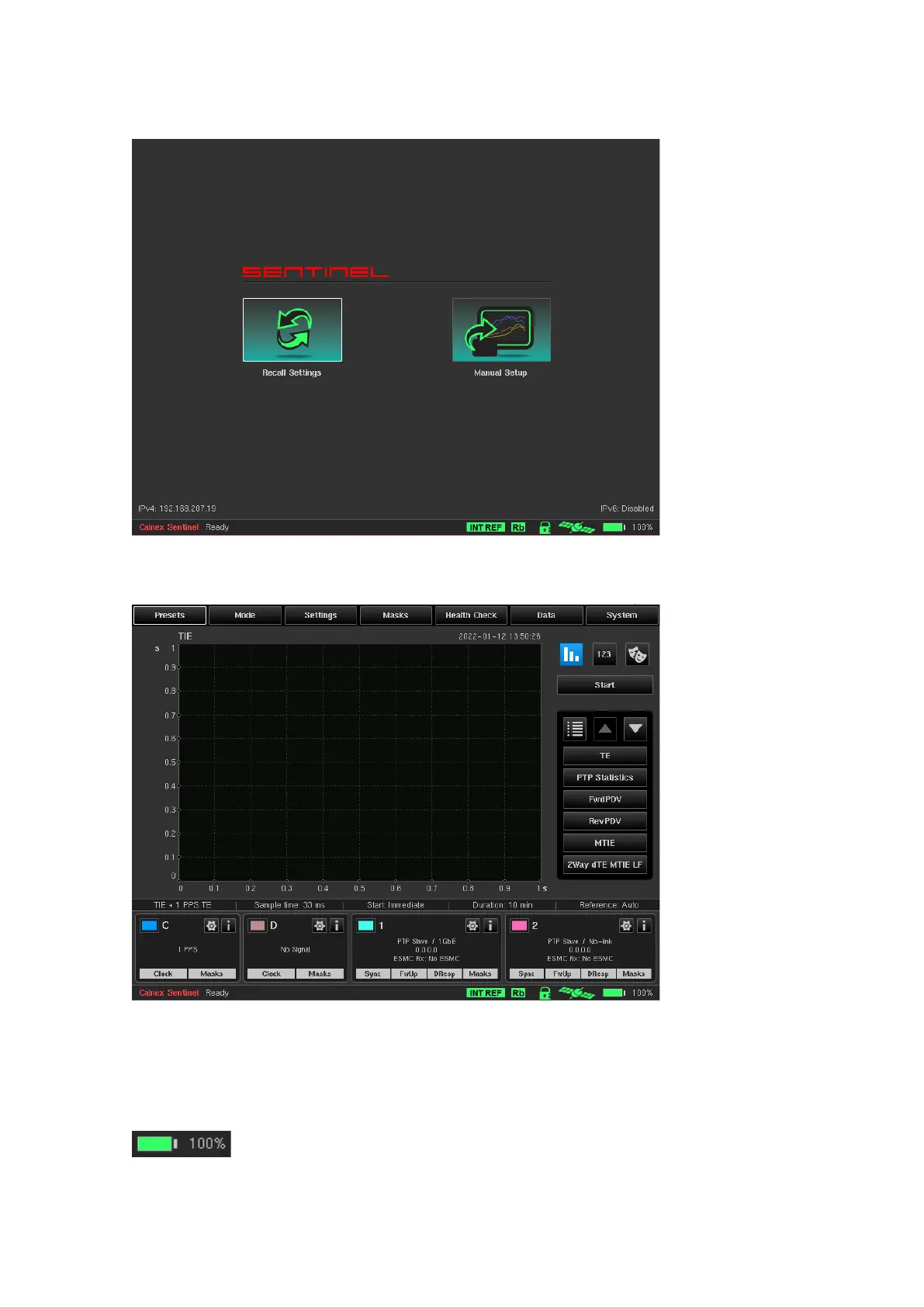
On completion of start-up, the following screen is displayed, with the message Ready at bottom-left of the
screen; the instrument is ready for use (in case of a cold start the message will be Warming Up… and the
Rubidium icon on bottom-right will be yellow).
The Recall Settings option allows previously saved configuration files to be re-loaded, automatically setting up
Sentinel to the state defined in the preset file and then displaying the main operating screen. Selecting the
Manual Setup option moves directly to the main operating screen.
Battery Option
If the Battery Option is present, it can be used for providing power to the internal Rubidium oscillator during
transport to site (Transport Mode). Information about installed options is available in the About page of the
System menu. Also, when the Battery Option is present the corresponding icon in status bar will display
battery charge percentage:
If the Battery Option is installed then upon switching off the instrument, the user is asked if Transport Mode
should be turned on. In Transport Mode, Sentinel will use the battery to keep the internal Rubidium oscillator
powered for up to 3 hours when mains supply is not present.



 To Next Page