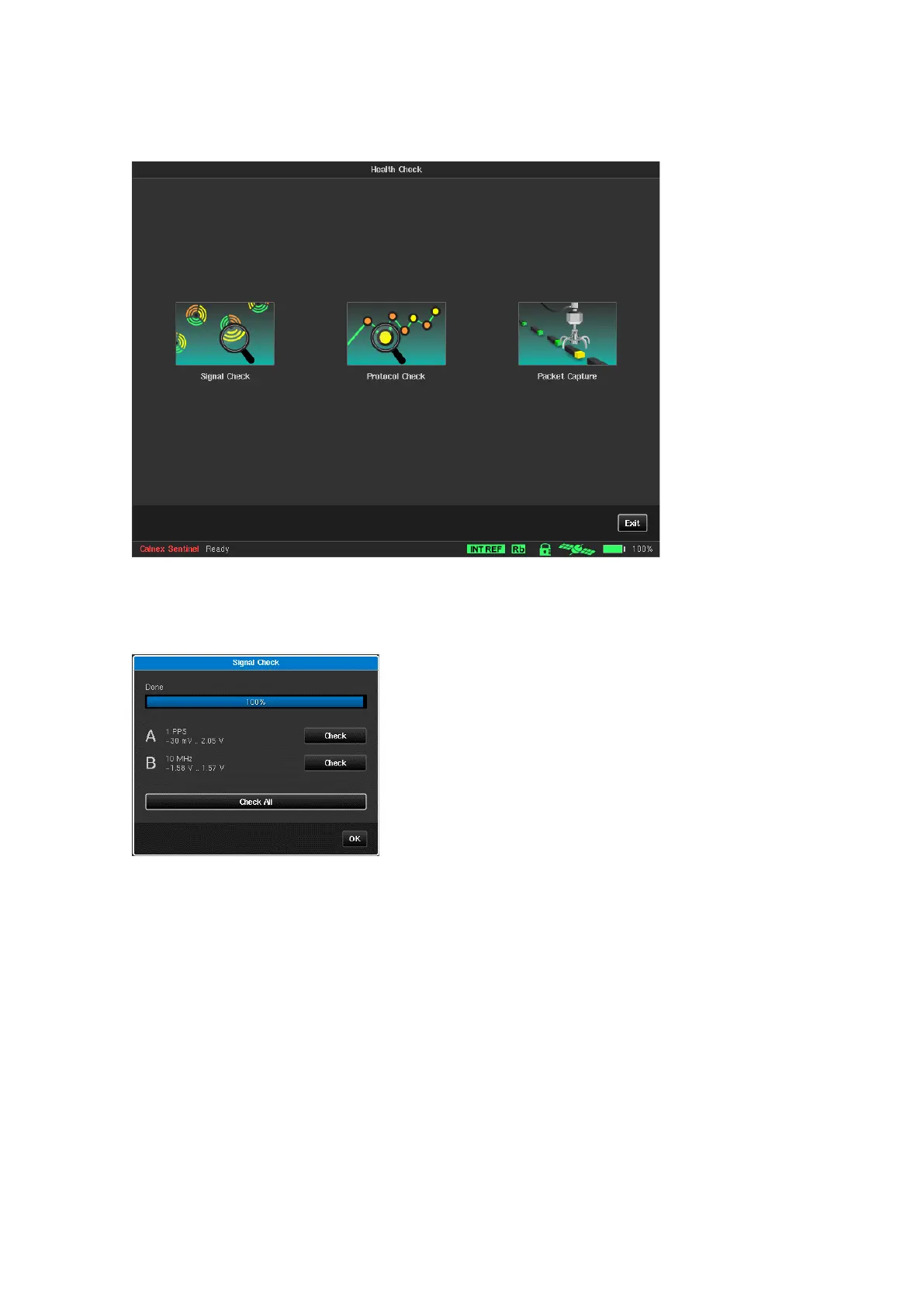
4.5 Health Check
The Health Check screen contains three utilities to automatically setup measurement inputs and to debug the
setup of PTP measurements.
Signal Check
Running Signal Check will detect all clocks that are connected to Sentinel and set up the measurement
subsystem. If a signal check is not performed then TIE measurements may display erroneous data.
Protocol Check
The Protocol Check is used to check that the PTP protocol is working as expected for the PTP profile being used
by identifying and highlight any issues. When running a PTP measurement the validity of Sentinel and GM
settings can be checked using the protocol check procedure.
When selecting the Protocol Check button, the protocol check window will open and Sentinel will start to look
for PTP messages based on the PTP or Monitor Mode Settings.



 To Next Page