Preventative Maintenance
12.1 Update Firmware
Firmware update files can be obtained from the Calnex Customer Support.
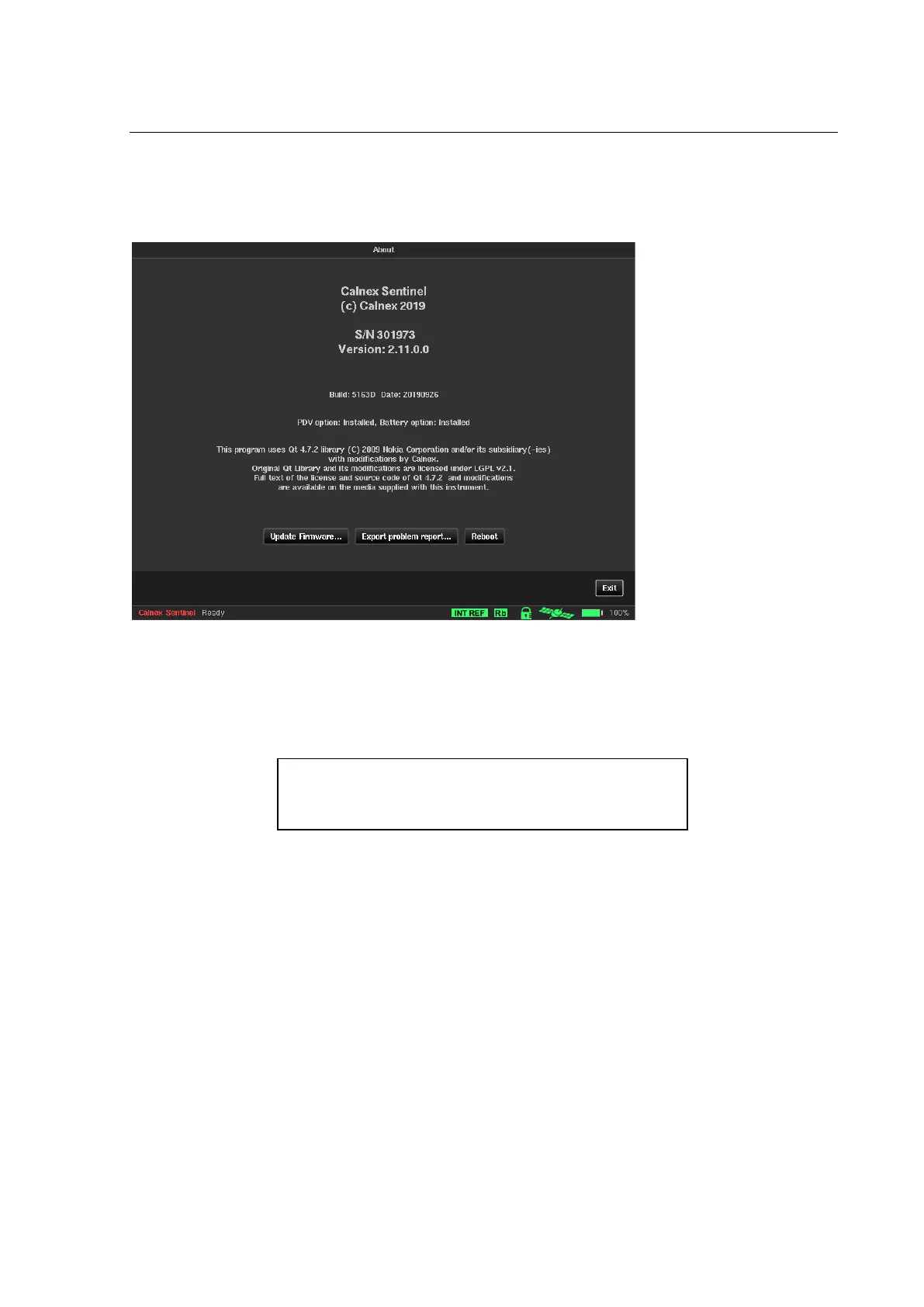
They are installed via the instrument USB interface using the About page of the System menu.
This screen identifies the firmware installed in the instrument, and displays the Update firmware… button.
Press this button, then follow the instructions given on screen to locate the update source file and run the
update. The update source file name should be in the following format sentinel_fw_Rx.y.z.tar.
Note: The update file is an archive file but the contents should not be extracted as Sentinel will not be able to
install the firmware from the extracted files.
Note: The instrument is rebooted after firmware update has completed.



 To Next Page