4.4 Masks
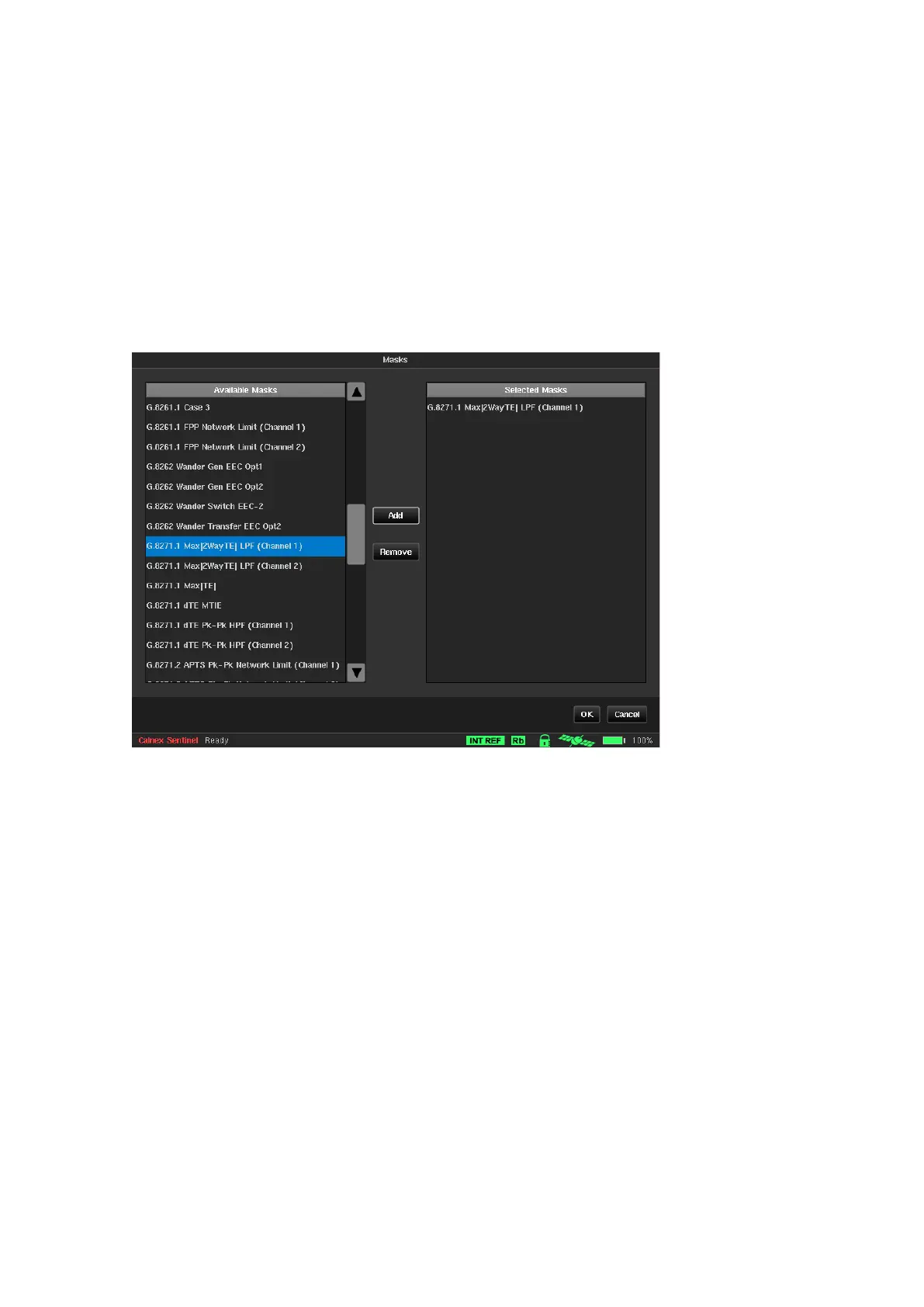
Sentinel provides various predefined masks to be applied to TE, TIE, MTIE and TDEV graphs - six can be selected
and displayed on main screen at the same time. The Masks screen is used to select which masks are displayed
on the main screen and can be overlaid on the measurement curves.
On the left all the available masks within Sentinel are listed.
On the right the masks to be displayed on the measurement page are listed.
The Add button is used to add the mask currently selected in the Available masks list to the Selected masks
list. The Remove button is used to remove the mask selected in the Selected masks list, from the masks to be
displayed.
For a full list of available masks see Appendix C



 To Next Page