4.7 System
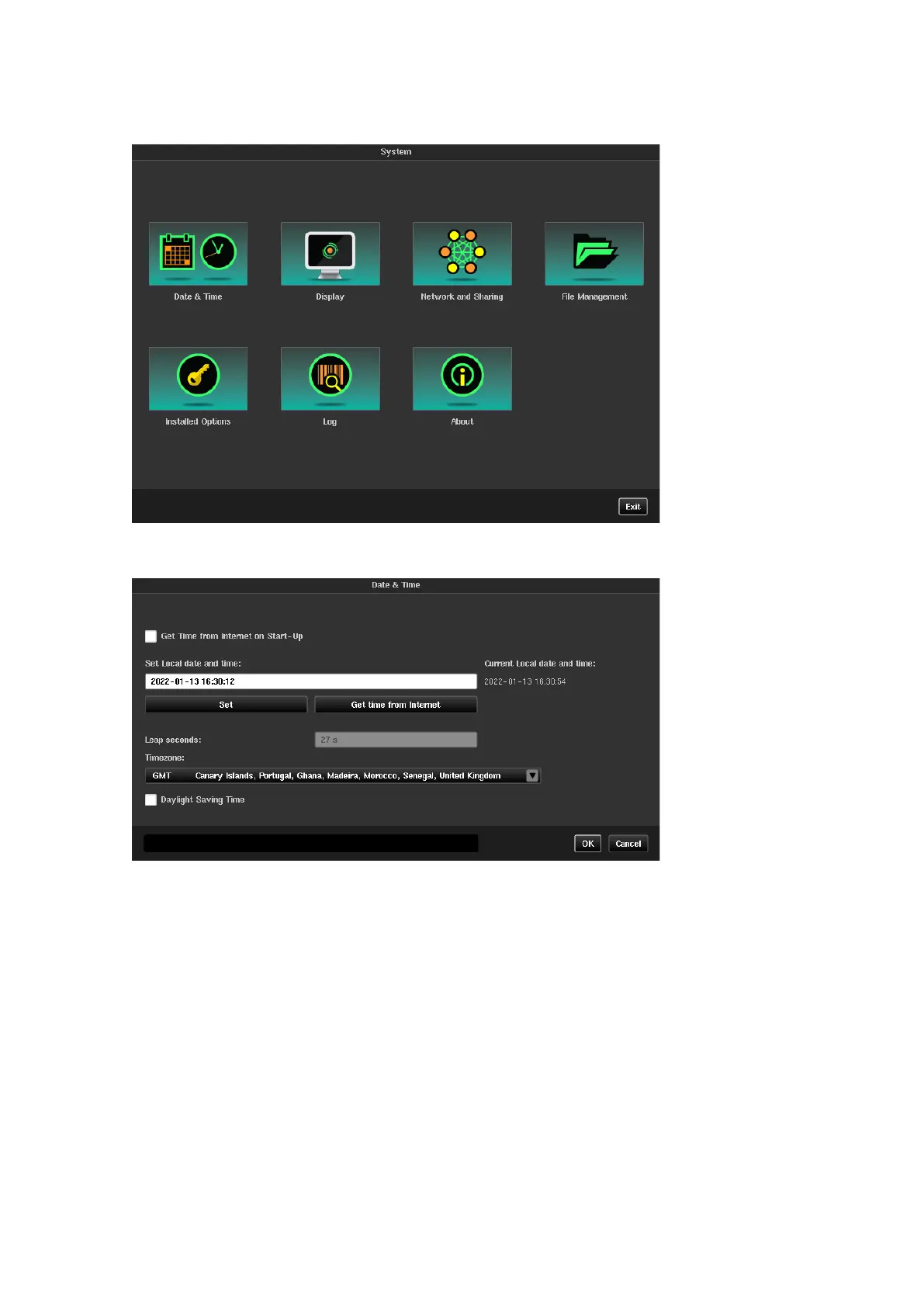
The System screen gives access to a number of other screens as shown below:
Date & Time
The date and the time can be entered manually using the Set button or can be synchronized with universal time
by pressing the Get time from Internet button if an external network connection is available. If GNSS is
connected to Sentinel the date and time will automatically be synchronized to this, overriding date and time set
by other methods.
If checked, Get Time from Internet on Start-up option allows to automatically synchronize date and time
from the internet before the GNSS receiver starts up.
Checking the Daylight Saving Time box adjusts system time for daylight saving.



 To Next Page