Remote Access
9.1 VNC Access
Sentinel firmware includes a VNC server enabling the instrument to be remote-controlled by a PC connected to
the network. This PC must have VNC client software installed.
For access to the instrument, its IP address must be known to the remote PC. This setting is available for
configuration in the System menu as detailed previously.
It is possible to define the IP address manually (depending on the characteristics of the network to which the
instrument is connected) or to obtain a DHCP IP address through the network router. This address is then
displayed in the IP address field.
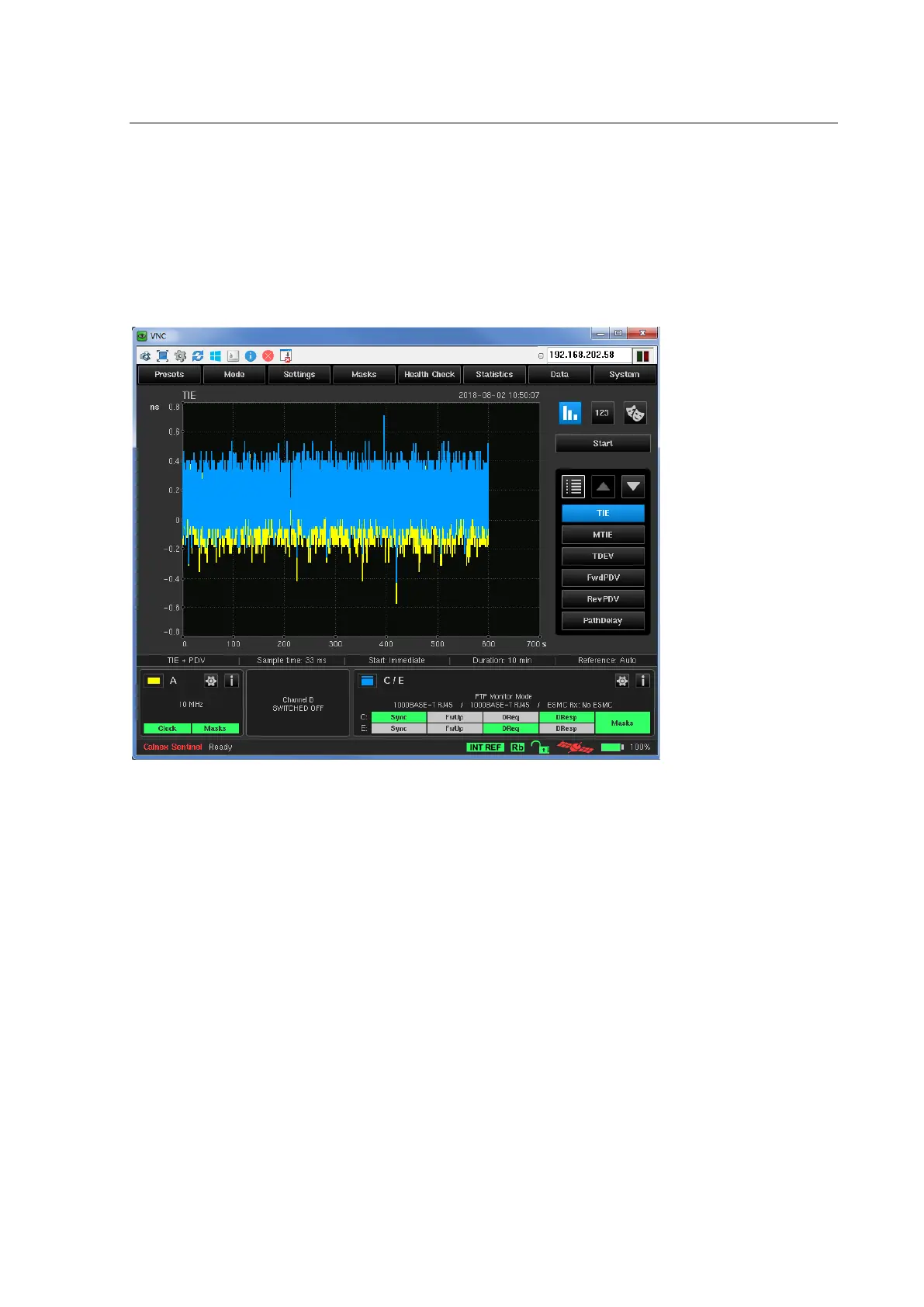
A VNC client can then be used to display the instrument graphic interface on the remote PC. The instrument can
be controlled in the same way as on the instrument itself.



 To Next Page