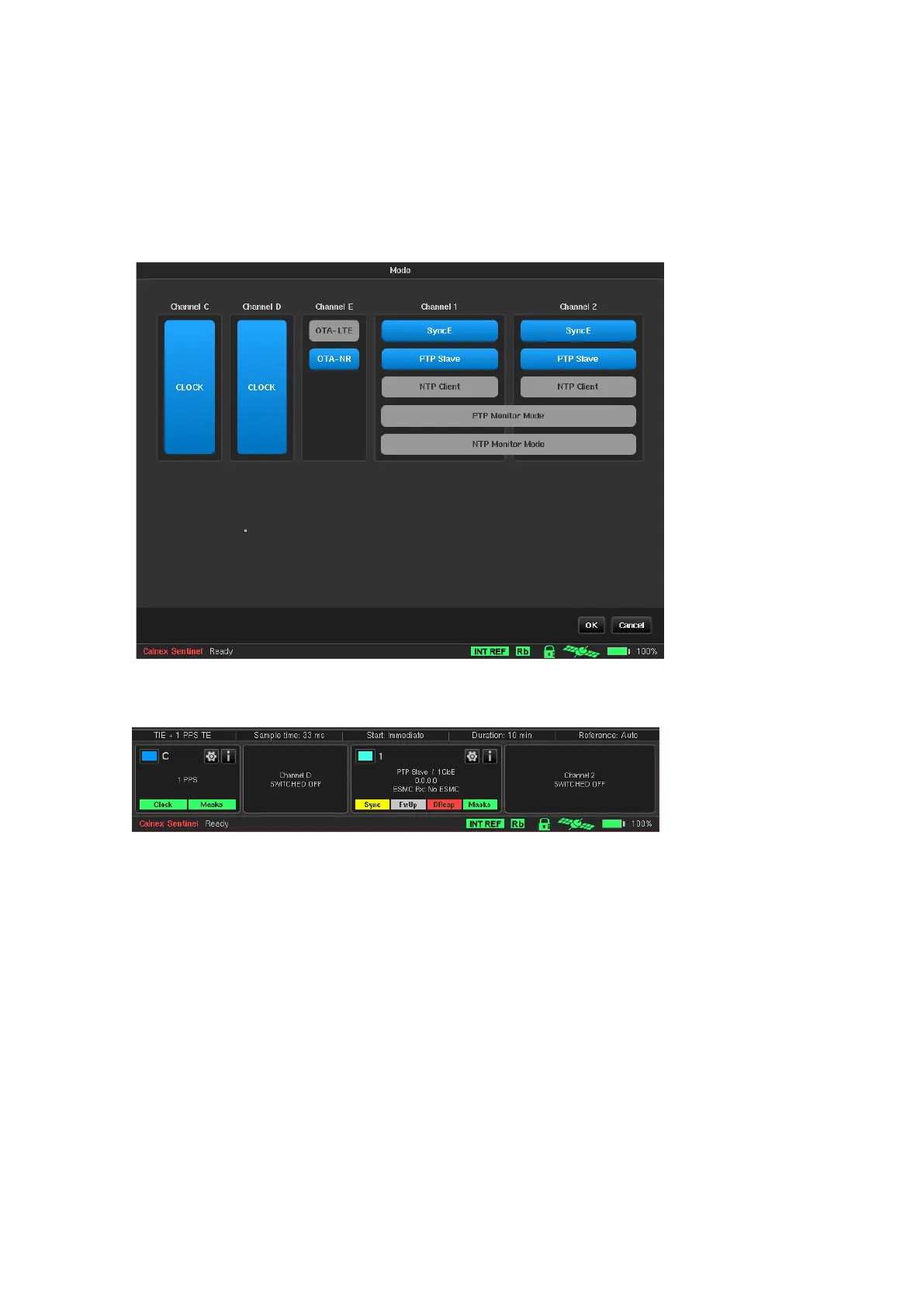
4.2 Mode
The Mode screen allows the Sentinel measurement subsystem to be configured as required for the type of
testing being performed. Sentinel expansion slot channels are labelled A – F and the 10 GbE module is labelled 1
– 2. This screen will reflect which modules are installed in Sentinel. The example below shows that one Clock
module, an OTA module and the 10GbE packet module with 2 channels are installed. The user can
enabled/disable channels on this screen according to requirements. Monitor Mode can also be selected through
this screen (two packet ports need to be installed and PDV option needs to be enabled for this option to be
available). Note that for the 4G/5G OTA module, only one OTA measurement type may be selected at a time. For
the 4G OTA module, only OTA-LTE is present.
If a channel is disabled on the Mode screen, this will be reflected in the corresponding Widget on the main
screen. Disabling unused channels simplifies configuration and result viewing by removing these channels from
the configuration and results screen.
4.3 Settings
The settings area contains multiple tabs to configure all the relevant measurement subsystems selected through
the mode screen and some options that are common to all measurement types.
A common set of buttons are displayed permanently on each of the Settings screens. The buttons always have
the following functionality:



 To Next Page