Discovery
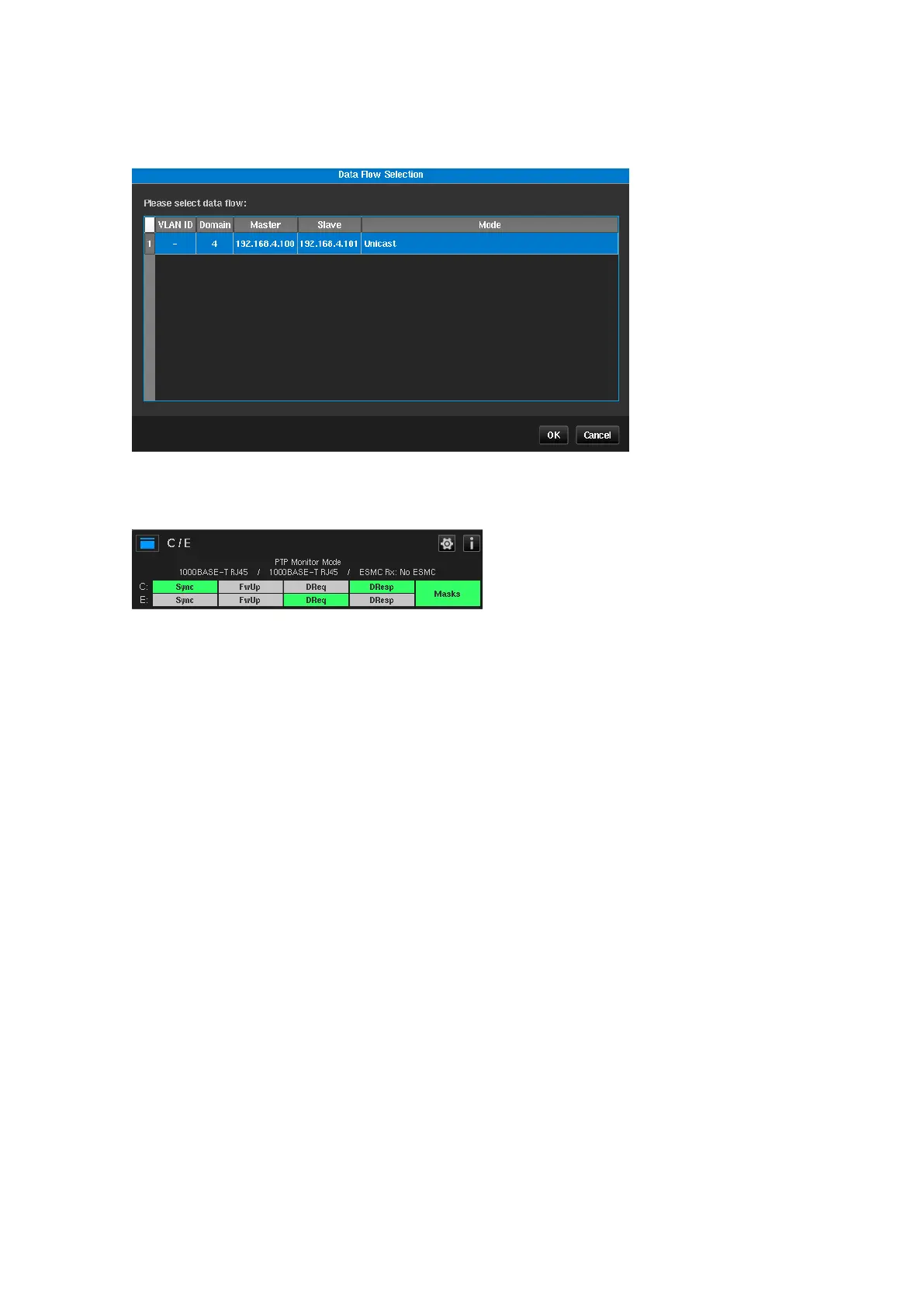
The Discovery feature simplifies network node parameter filling by giving the user the option to select desired
node pairs from a list. After pressing the Discover… button, network traffic analysis is performed and the list of
possible nodes for PDV measuring is displayed.
After the user selects a row in the table and presses OK button, the corresponding fields in the monitor mode
configuration page are automatically filled.
When using Monitor Mode, the channel widget is combined for the two PTP channels as shown below:



 To Next Page