Using Sentinel
CX3001 v7.0 © Calnex Solutions 34
Monitor Mode
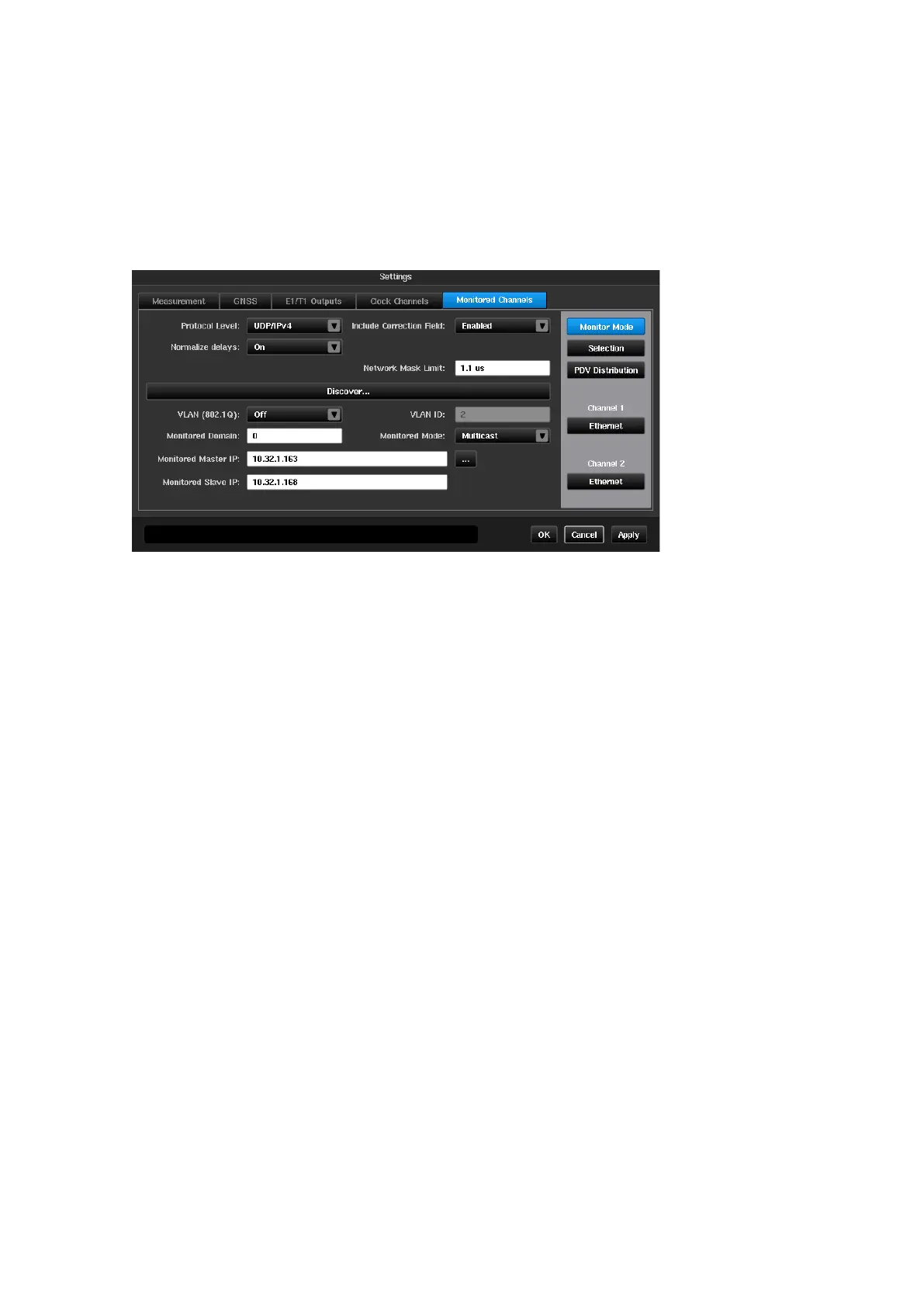
Monitor Mode is selected via the Mode page as earlier described. When this is mode is selected a new tab,
Monitored Channels, will be available in the Settings pages.
All parameters on this page correspond to PDV measurement performed in Monitor Mode.
Note: An external network Test Access Point (TAP) or optical splitter is needed to be able to measure PDV in
Monitor Mode.
When operating in Monitor Mode, Sentinel “sniffs” for PTP or NTP packets between two nodes. By monitoring
the traffic between the two nodes available via the TAP, Sentinel can measure PDV between channels.
Protocol level for PTP measurement:
UDP/IPv4
,
UDP/IPv6
or
Ethernet
;
When
On
PDV samples are relative to first delay sample so that first PDV sample has zero
value;
When
Off
true Fwd/Rev/PD delays are shown;
Allows the correction field to be included in the PDV measurement; default enabled
Allows auto-fill of setting fields below based on network traffic analysis and auto-detection
of all possible nodes which could be used for measuring PDV in monitor mode. See
detailed description below.
Specifies if VLAN packets are captured;
Specifies VLAN identifier when VLAN packets capturing is enabled. See VLAN (802.1Q)
setting
PTP domain which is monitored; This setting is not available for NTP protocol.
Specifies which type of traffic is monitored:
Unicast
or
Multicast
. This setting is not
available for NTP protocol.
Monitored Master IP
Monitored Slave IP
IP addresses of two PTP or NTP nodes which are monitored. This setting is not available
for
Ethernet
protocol level.
Monitored Master MAC
Monitored Slave MAC
MAC addresses of two PTP nodes which are monitored. This setting is not available for
NTP protocol or
UDP/IP
protocol level.



 To Next Page