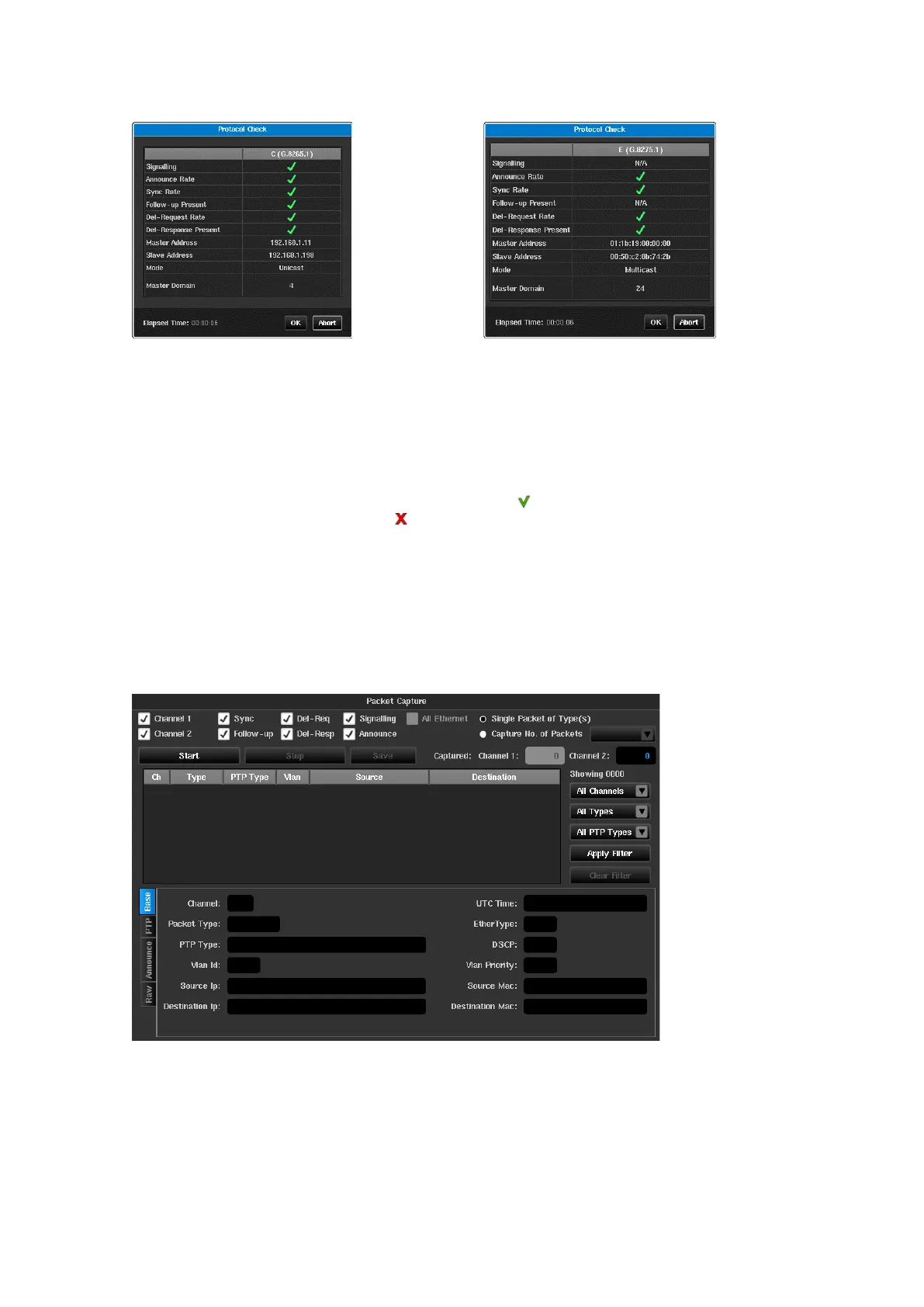
Fields that are not relevant to the operating mode are marked as N/A e.g. Signalling in Multicast mode or
Follow-up messages in 1-step mode.
Master Address and Slave Address will be populated with the GM and T-TSC MAC addresses in
Ethernet
mode or
IP addresses in
IPv4 / IPv6
mode. Mode will be either
Multicast
or
Unicast
and the Master Domain will show the
value used by the GM. If the Master Domain differs from the value configured by Sentinel then it will be
highlighted in red text.
A clock displays the time since protocol check was started.
If a message type is present and passes its rate check then a will be displayed. If the message type is not
present or the message rate is incorrect a will be displayed and the message rate if appropriate.
The protocol check will complete automatically if all PTP channels have successfully been analysed. If this does
not occur, then the check can be terminated by pressing the abort button.
Packet Capture
This option captures the Ethernet flow on each PTP card to allow analysis of the packets to validate the exchange
of PTP traffic between the GMC and Sentinel.
Packet Capture is accessed by pressing the Packet Capture button on the Health Check screen.



 To Next Page